


OfficerBaboso
-
Joined
-
Last visited
Everything posted by OfficerBaboso
-
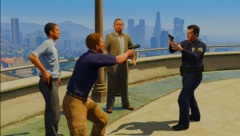
From the album: GTA V Modded Police
-
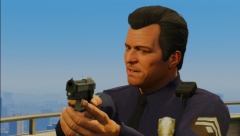
From the album: GTA V Modded Police
-
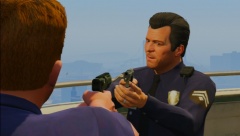
From the album: GTA V Modded Police
-
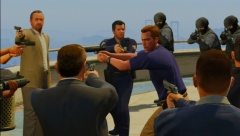
From the album: GTA V Modded Police
-
From the album: GTA V Modded Police
-
From the album: GTA V Modded Police
-
From the album: GTA V Modded Police
-
From the album: GTA V Modded Police
-
From the album: GTA V Modded Police
-
From the album: GTA V Modded Police
-
From the album: GTA V Modded Police
-
From the album: GTA V Modded Police
-
From the album: GTA V Modded Police
-
From the album: GTA V Modded Police
-
From the album: GTA V Modded Police
-
From the album: GTA V Modded Police
-

From the album: GTA V Modded Police
-

From the album: GTA V Modded Police
-
From the album: GTA V Modded Police
-
Yeah, maybe it's not possible for modders but for R* it shouldn't be to piece it.
-
I've never seen the scene. I'm talking about the cuff animation, the "escort" animation and the car placement animationWell, it doesn't really need that much more space than the arrests in GTA IV, if the suspect turns around so there's enough space for the officer to cuff him it should be possiblexD Sorry I mean when both back doors are blocked, the suspect just gets teleported like when you're exiting a car which doors are blockedWell, people in GTA: SA and AC: Unity (I know it hasn't been released yet but there's a video with the devs explaining it) can hold hands too. So it's just like a normal walk animation just with more space, technically, and when stuff is in the way, well, you know what happens when you can't open any of your car doors, magic time :D


