




HANAKO
Members
-
Joined
-
Last visited
Everything posted by HANAKO
-
-
 I will release it with the Tactical belt. Thank you for your comment in Japanese!
- 552 comments
- 44 reviews
-
-
-
-
-
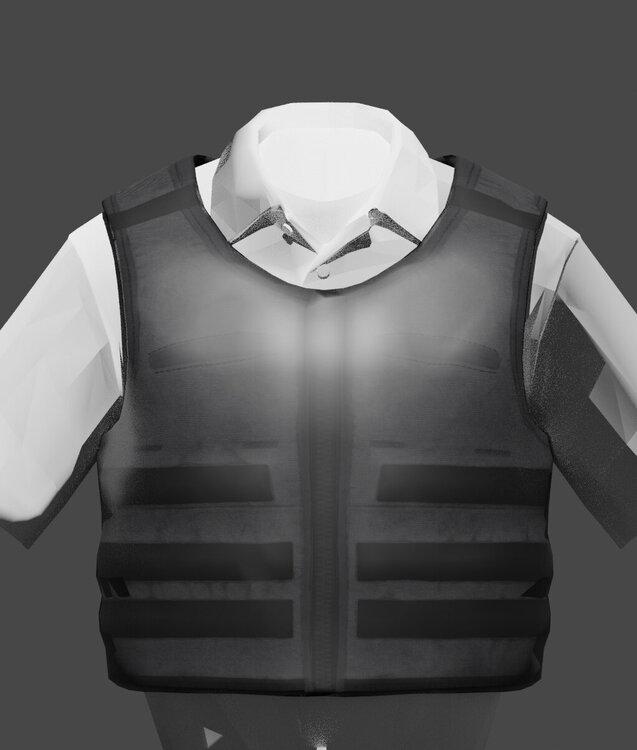
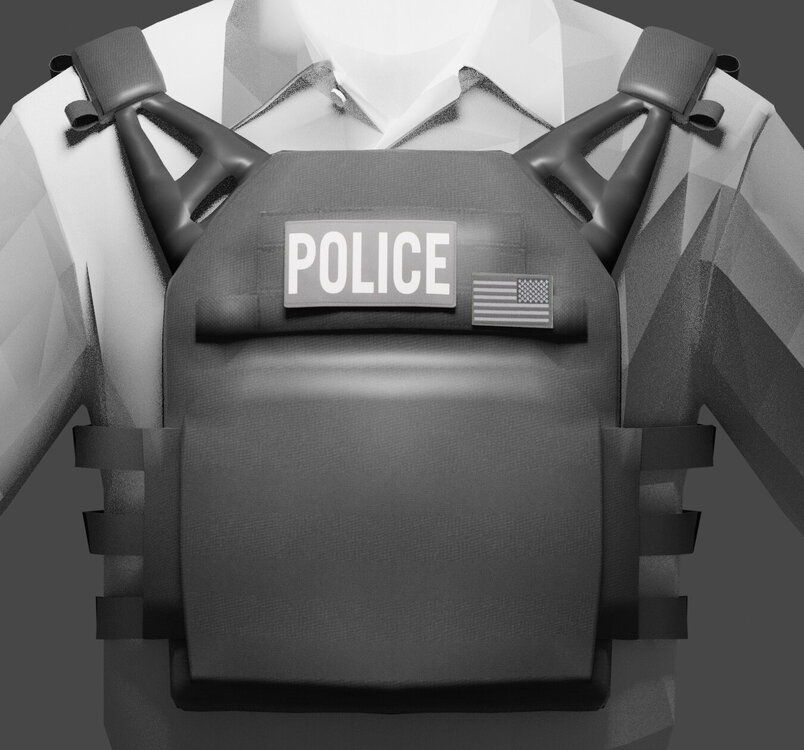
Hello everyone. I'm making a vest for patrols, do anyone have any good ideas?
 jpc side plate pouch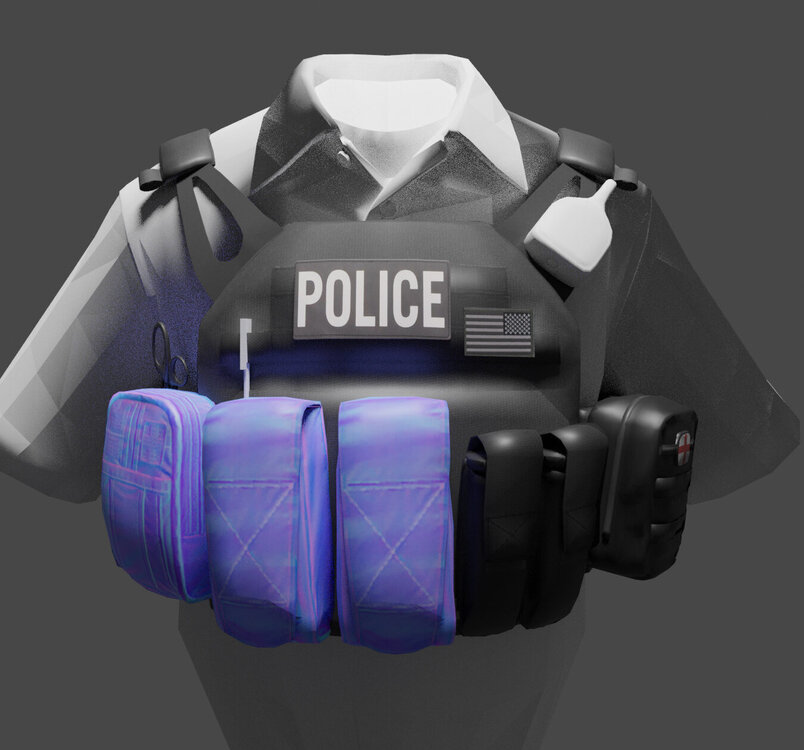
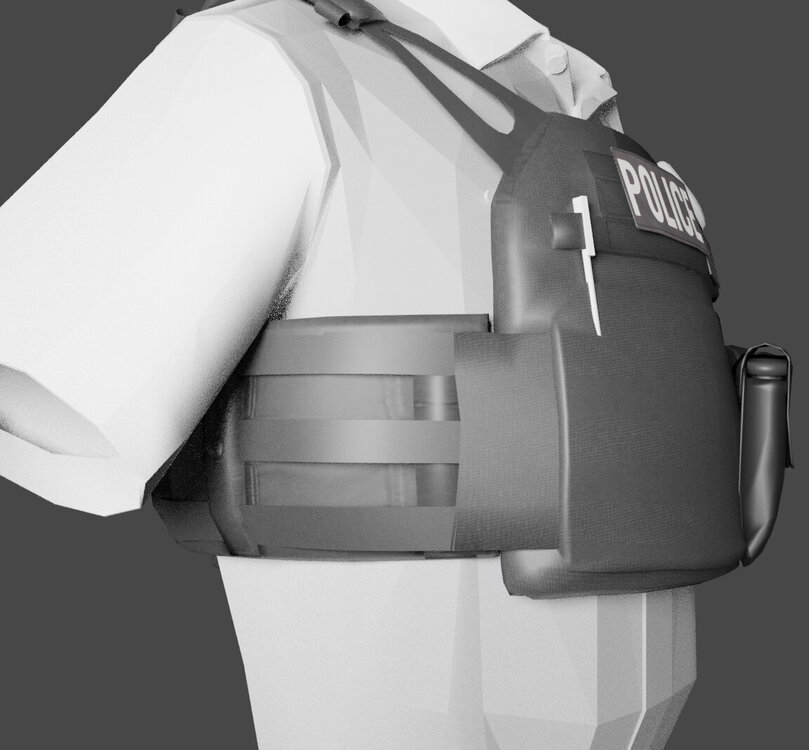 slowly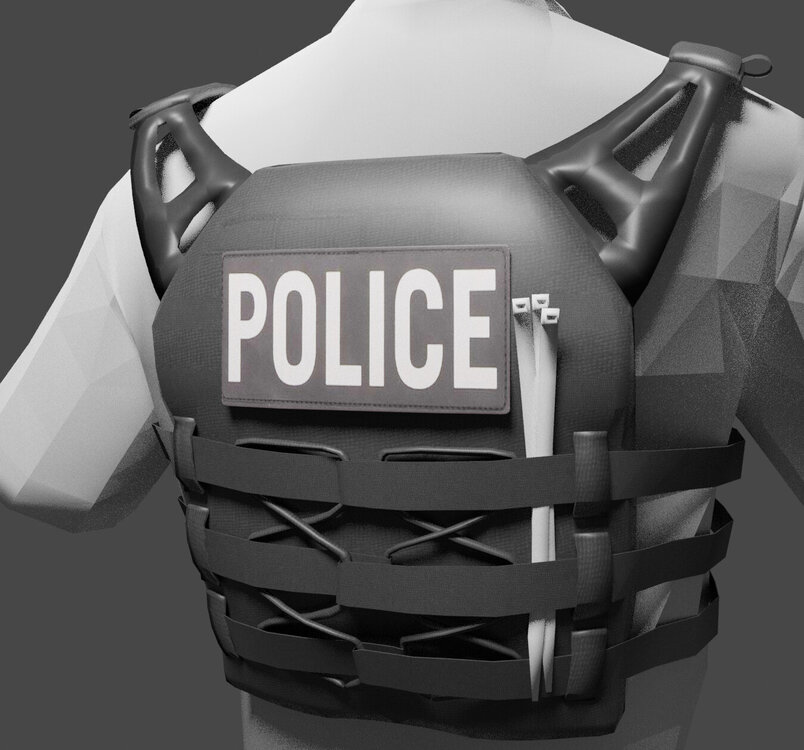
 testing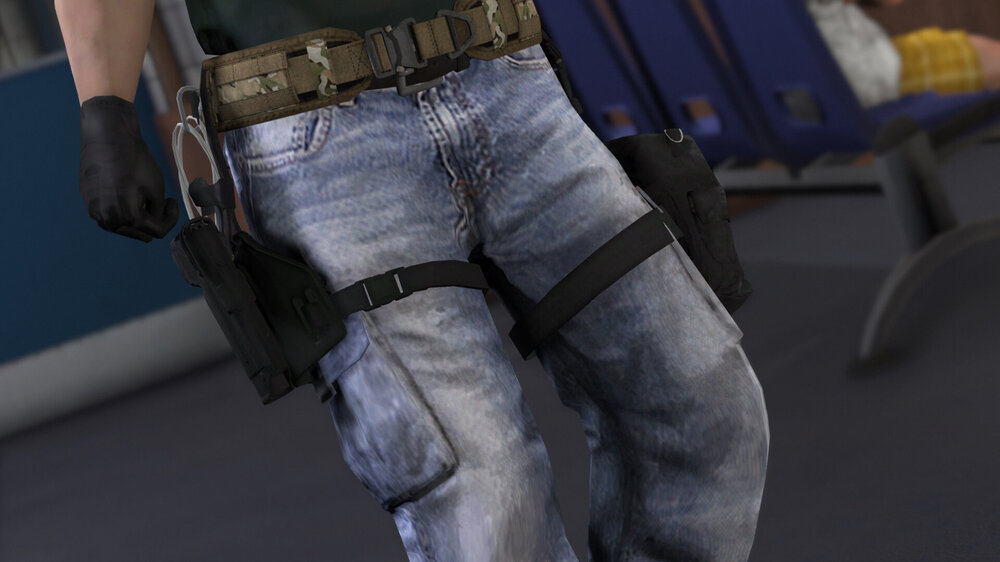
 safariland holster new leg pouch
From the album: WIP
OK, let's do it
You need to change the name to task_001_u.ydd and put the file in this location. Grand Theft Auto V\mods\update\x64\dlcpacks\eup\dlc.rpf\x64\eup_componentpeds.rpf\mp_m_freemode_01_mp_m_january2016 Thanks for the report. I will check it- 552 comments
- 44 reviews
-
-

- 1
-
safariland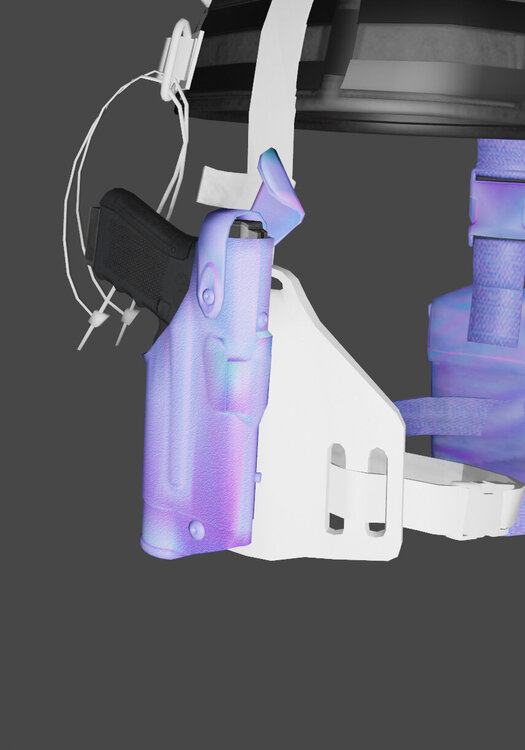 Due to some problems, textures may not be displayed correctly in OpenIV. Possibly with Zmodeler's problem... If you don't see the texture in the game, please report it.
- 552 comments
- 44 reviews
-
-
- 1
-
Working on new JPC model for EUP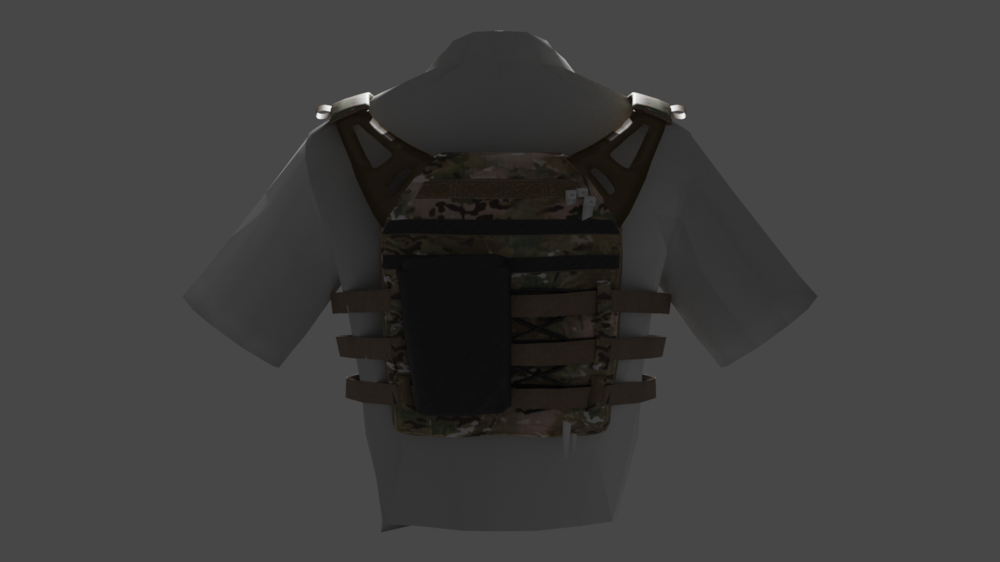
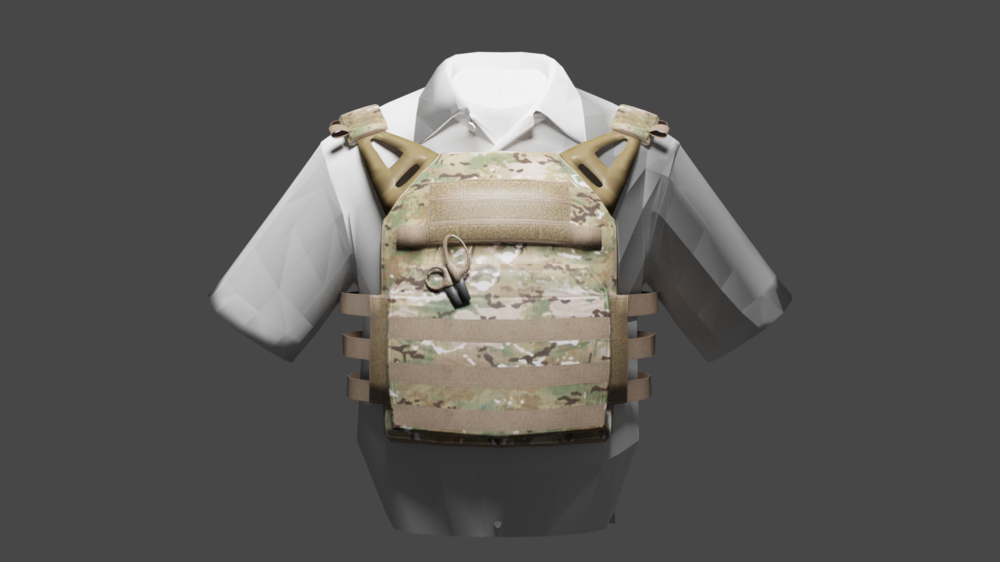
From the album: Los Santos Police

From the album: Los Santos Police
SWAT vest and belt currently in progress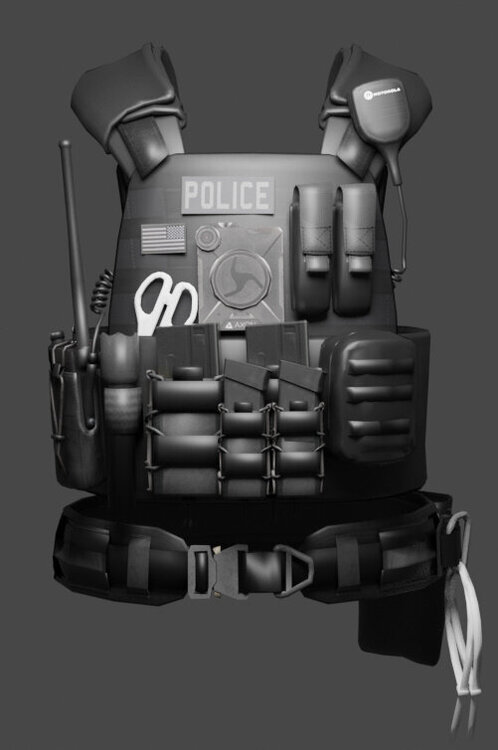 Thank you! Use it for the next setup. By the way, the upper porch is flashlight and spray... Good luck! Can I remove handcuffs?





Account
Navigation
Search
Configure browser push notifications
Chrome (Android)
- Tap the lock icon next to the address bar.
- Tap Permissions → Notifications.
- Adjust your preference.
Chrome (Desktop)
- Click the padlock icon in the address bar.
- Select Site settings.
- Find Notifications and adjust your preference.
Safari (iOS 16.4+)
- Ensure the site is installed via Add to Home Screen.
- Open Settings App → Notifications.
- Find your app name and adjust your preference.
Safari (macOS)
- Go to Safari → Preferences.
- Click the Websites tab.
- Select Notifications in the sidebar.
- Find this website and adjust your preference.
Edge (Android)
- Tap the lock icon next to the address bar.
- Tap Permissions.
- Find Notifications and adjust your preference.
Edge (Desktop)
- Click the padlock icon in the address bar.
- Click Permissions for this site.
- Find Notifications and adjust your preference.
Firefox (Android)
- Go to Settings → Site permissions.
- Tap Notifications.
- Find this site in the list and adjust your preference.
Firefox (Desktop)
- Open Firefox Settings.
- Search for Notifications.
- Find this site in the list and adjust your preference.