Alex Choy
Members
-
Joined
-
Last visited
Files posted by Alex Choy
-
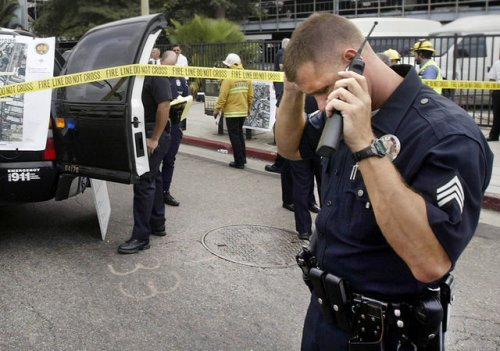
This is real LAPD patrol chatter recorded from my police scanner. Currently, this includes patrol chatter from all over Los Angeles,including Hollywood, Devonshire, Southeast and Harbor Divisions. I will be adding more over time, and
in later versions, there will be LASD, CHP and other Los Angeles County agencies featured.
Installation:
1. Unzip file and move .mp3 files to to your documents folder > RockstarGames > GTA V > User Music
2. Download "Music Radio Enabled for Police Vehicles" by ZiPPO RAID to play radio in police car.
3. Install ScripthookV and ScripthookVdotNet and put the file from ZiPPO RAID's mod in your scripts folder
4. Launch GTA V
5. Go to your settings > Audio and find the "Self Radio" station and select the "Random" radio mode.
6. Select the channel: "Self Radio" while in a car.
https://www.gta5-mods.com/scripts/enable-music-radio-for-police-vehicles
- 3,024 Downloads
- 17 Comments
Updated