



RageaholicRick
Members
-
Joined
-
Last visited
Reputation Activity
-
 RageaholicRick reacted to 72will for a file, San Andreas Department of Transportation Ford F350*If You Would Like To Help me Do ELS Style Lighting, or know how to fix any of these bugs, Please PM Me*
SADOT Ford F350 V1.1
This is my first model pretty much made entirely by me :)
This is a DOT (Department of Transportation) which is commonly found on the side of highways and mowing in the U.S. This model is roughly based off of the INDOT Fords that i pass a maybe once a week at 70MPH.
Enjoy!
THANK YOU SO MUCH @Salashdot03 For Showing Me The Ropes
Known Bugs:
- [Maybe Fixed] Top of mini bars is showing a strange texture on the edge (not showing it anywhere but in game, not openiv display, not zmod)
-One of the grill lights does not flash (no clue what is going one, i have tried different fixes with no results)
-Spawns with blacked out windows (use your trainer to fix)
- No LODS for anything but the truck itself
- Minibars were not to scale/to big
Future Updates:
-Fix Bugs
IF YOU KNOW HOW TO FIX ANY OF BUGS PLEASE CONTACT ME
-
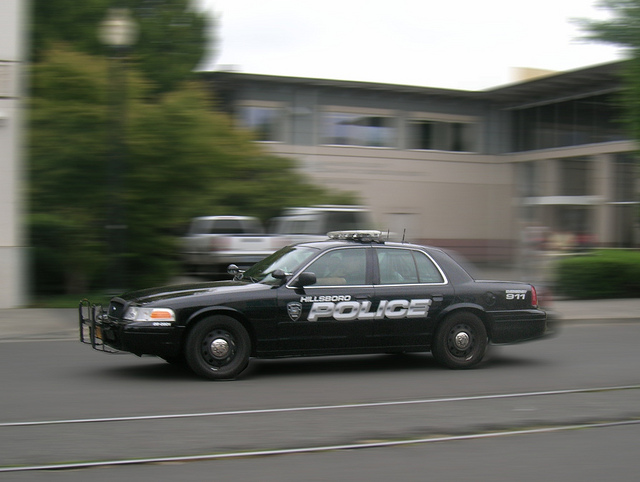
RageaholicRick reacted to BErad1502 for a file, Liberty City Police/ Based on Beaverton OregonHello Everybody. Releasing this small pack of three skins based on Beaverton Police Department. links to the models used for screens are included in the download. Enjoy
