
RageaholicRick
Members
-
Joined
-
Last visited
Files posted by RageaholicRick
-
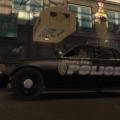
Before I begin, let me say that this is my first skin I have ever made, so while it may not be "Top Notch" quality, I think it looks really close to the cars I based this skin off of.
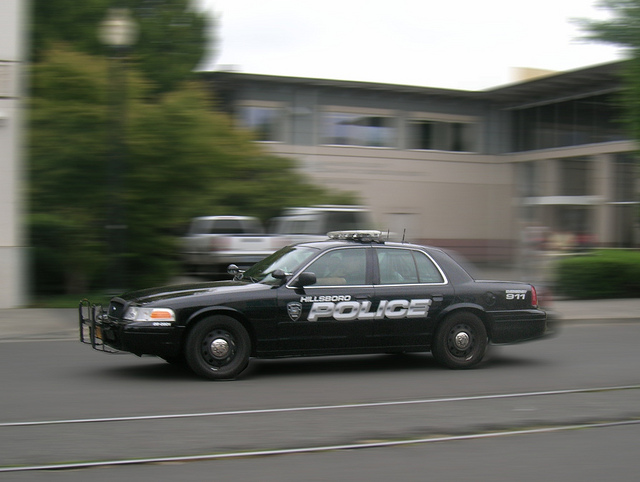
This skin is based off of the CVPI Livery used by the Hillsboro Police Department in Oregon. Included in this pack is a standard skin, and one with "Supervisor" on it. Now, before people start to ask, I do plan on making this skin for other vehicles as well, including the Ford Taurus, the Chevy Caprice, and the Ford Explorer. Those skins will be released both individually, and most likely in a complete pack as well. I also plan on making more skins based off of other departments in the state of Oregon, so look out for those as well.
I welcome comments that are either constructive criticism, or positive comments.
Thanks for taking the time to look at my skin,
RageaholicRick
NOTE: I do not own the rights to the CVPI model, and will change this description to link to the model as soon as I can find it.
- 82 Downloads
- 4 Comments
Updated