


Donnzy
Members
-
Joined
-
Last visited
Everything posted by Donnzy
-
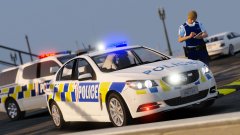
From the album: New Zealand Emergency
-
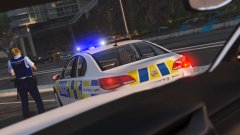
From the album: New Zealand Emergency
-
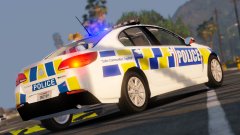
From the album: New Zealand Emergency
-
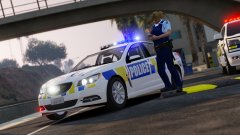
From the album: New Zealand Emergency
-
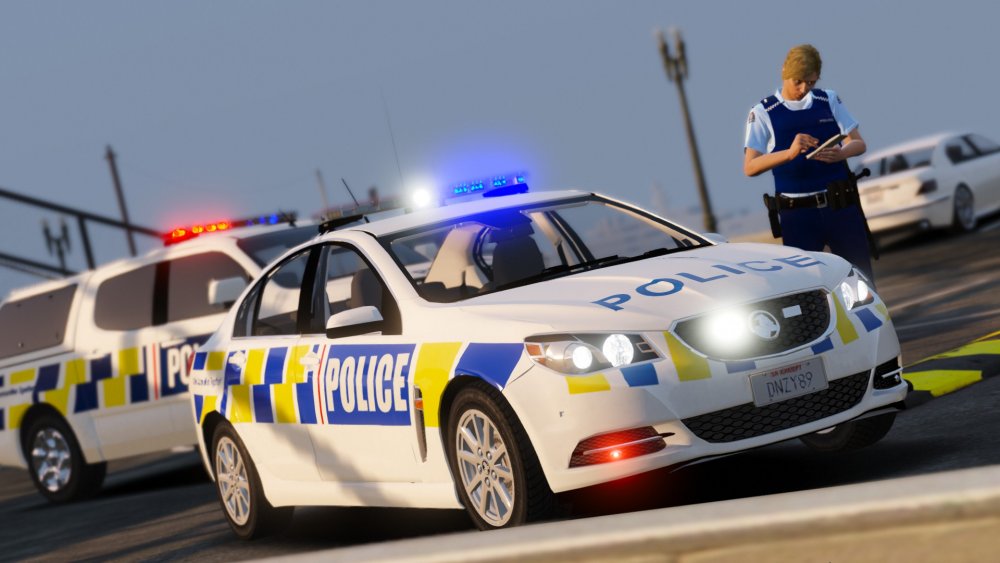
Sah purty
-
it was the orientation and mapping screwing with me, just couldn't remember how to do it at the time
-
finally got my text bar to work <3
-
Izuzu hino F4 spawn firetruk
-
few recommendations that i have not seen here Black Eagle (korean movie about a fighter pilot. English dub is hilarious. can be a bit slow at times) - feels like watching a ace combat movie Battle LA (war/sci fi action packed from start to finish) Lost Battallion Red Tails
-
standard lighting - edit the carcols to use red instead of blue, and then edit the light texture file to make the blue position red. els lighting - edit the VCL to red instead of blue, and edit the light texture file to made the blue position red
-
praise helix for autosave
-
https://gyazo.com/7aceb33921d6bd08389b88b8f2029536 the bonnet stuff doesnt show but it shows when in game
-
some models do that on openiv. try it in game should work fine
-
another quick play around + working wheels!
-
KARMA! lol
-
quick tutu with els, seems easier than messing with siren dummies so far but then again its a straight iv conversion of the spectra lightbar
-
https://hum3d.com/3d-models/toyota-hiace-lwb-panel-van-2013/ courier vans anyone? :P prolly not but this is the next purchase got lined up :D https://hum3d.com/3d-models/toyota-hilux-double-cab-revo-2015/#360view
-
easiest to start off would be to grab ones that have been already done to give you an idea of what to look for, the british one is a pretty good start and covers all stations i believe
-
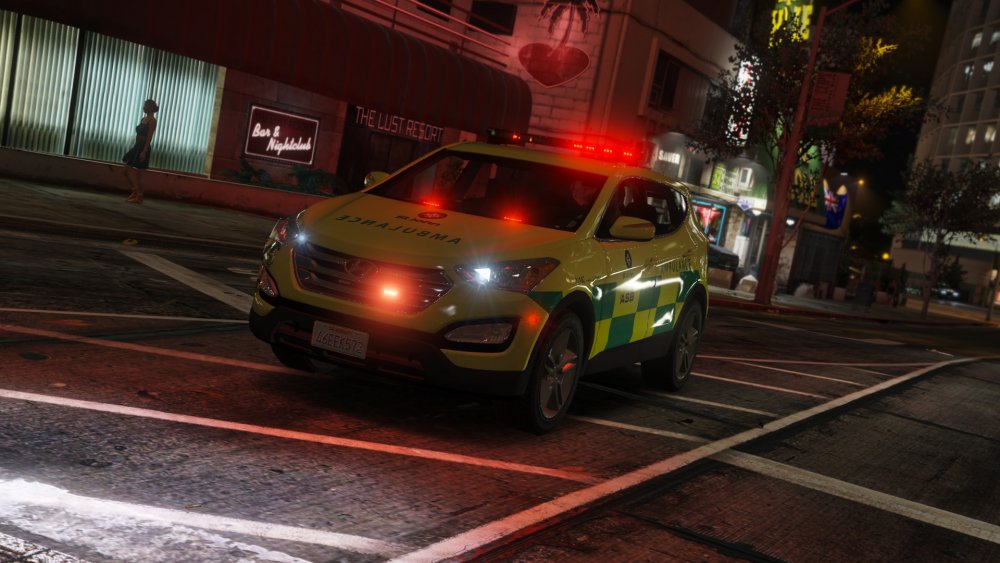
sank you mooosey
-
From the album: New Zealand Emergency
-
From the album: New Zealand Emergency
-
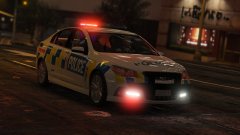
From the album: New Zealand Emergency
-
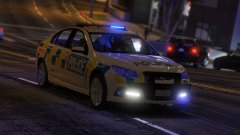
From the album: New Zealand Emergency
-
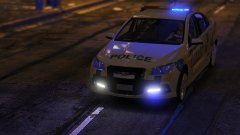
From the album: New Zealand Emergency
-
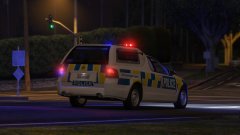
From the album: New Zealand Emergency




