


CHFDCRAB
Members
-
Joined
-
Last visited
Everything posted by CHFDCRAB
-
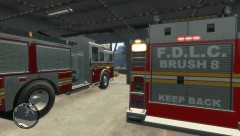 theres also this one. I made the paint for brush 8. Ill upoad it.
 -
http://gtapolicemods.com/downloads.php?do=file&id=631
-
-
-
I have made several new fire stations for gta iv but as of now all the walls are walk thru. Does anybody know how to add collison to these buildings??
-
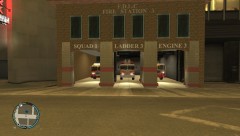 I'm doing alot of these to see which ones are the best. Some work better than others. If you want to be a beta tester message me. Right now they have to be placed with trainer.
 -
-
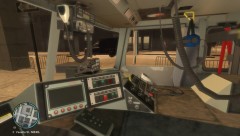
From the album: The FDLC
-
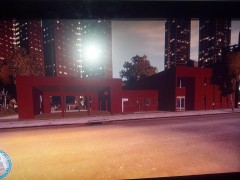 I'm not sure. I'm still trying to figure out how to add collison. If i cant figure it out i prob wont release them. Doesn't really matter to me but i dot want to get alot of complaints.
 -
Sun is shinning on it.
-
From the album: The FDLC
-
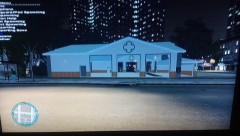
From the album: The FDLC
-
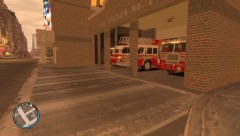 http://sketchup.google.com/3dwarehouse/search?q=fire+station&styp=m&scoring=t&btnG=Search
 -
Working on another.
-
Converted it from sketchup
-
Do you save it?
-
From the album: The FDLC
-
All you have to do get blue light is edit the textures.
-
I have a very high and pc. I just upgraded from an older computer with a 512 mb card and no stutters. On the new high performance pc my game stutters really bad while driving around. Anybody know any fixes.
-
As harper said right click and run as admin.
-
Have you changed something in the maping.
-
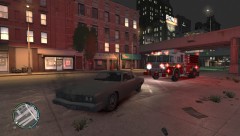
From the album: The FDLC
Engine 1 on the scene of a vehical fire. -
Yea there are alot of those wout there. Would be nice.
-
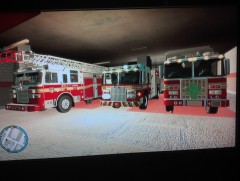 I use firetruck, noose, fbi, pstockade, nstockade, polpatriot. Entire Fleet Picture coming soon.
 -
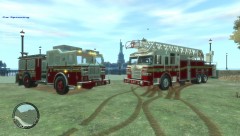
From the album: The FDLC
Ladder 1 and Engine 5.


