
DetroitDon
Members
-
Joined
-
Last visited
Files posted by DetroitDon
-
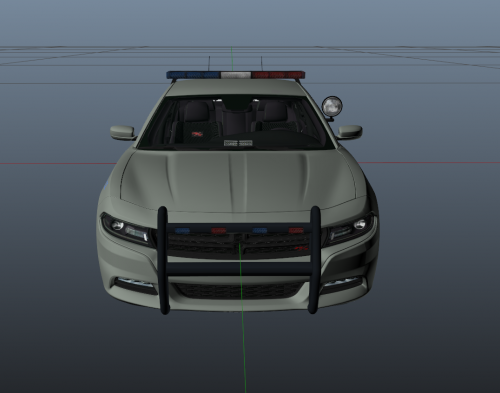
Changes Coming!: (Brighten the blue lettering, add STATE POLICE to the rear quarter panels)
Check out my other Michigan State Police work!
Updates will come periodically to the texture as well as my other files!
Installation:
Use Openiv and go to GTA V/update/x64/dlspacks/patchday3ng/dlc.rpf/x64/levels/gta5/vehicles.rpf
Activate edit mode
Replace police2.yft, police2_hi.yft, police2.ytd and police2+hi.ytd
with KAMELKFB's files available at: https://pl.gta5-mods.com/vehicles/2015-dodge-charger-rt-police
Edit police2.ytd and police2+hi.ytd by replacing the policenew_sign_1.png with the one provided.
Delete policenew2.png
Save and exit
Any questions feel free to comment in the post!
NOTE: If you do use this skin in a video please provide a link to this post. Also please do not redistribute this skin and claim it as your own!
- 50 Downloads
- 1 Comments
Submitted -
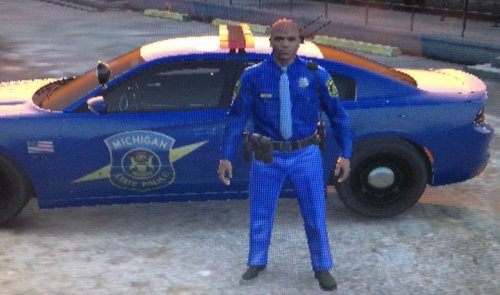
Changes Coming!: (Glossy leather belt and boots, shirt colors fixed, bottoms colors fixed, badge background re-colored, whistle lanyard, post number collar tabs)
Check out my other work:
2015 Dodge Charger RT MSP - http://www.lcpdfr.com/files/file/8609-2015-dodge-charger-rt-msp7z/
Updates will come periodically to the texture as well as my other files!
Installation:
Use Openiv and go to GTA V/update/x64/dlspacks/patchday3ng/dlc.rpf/x64/models/cdimages/patchday3ng.rpf/s_m_y_hwaycop_01.ytd
Activate edit mode
Replace decl_diff_000_a_uni, decl_diff_001_a_uni, lowr_diff_001_a_uni and uppr_diff_001_a_uni
with the textures provided.
Save and exit
Any questions, comment bellow!
NOTE: If you do use this skin in a video please provide a link to this post. Also please do not redistribute this skin and claim it as your own!
- 546 Downloads
- 10 Comments
Updated -
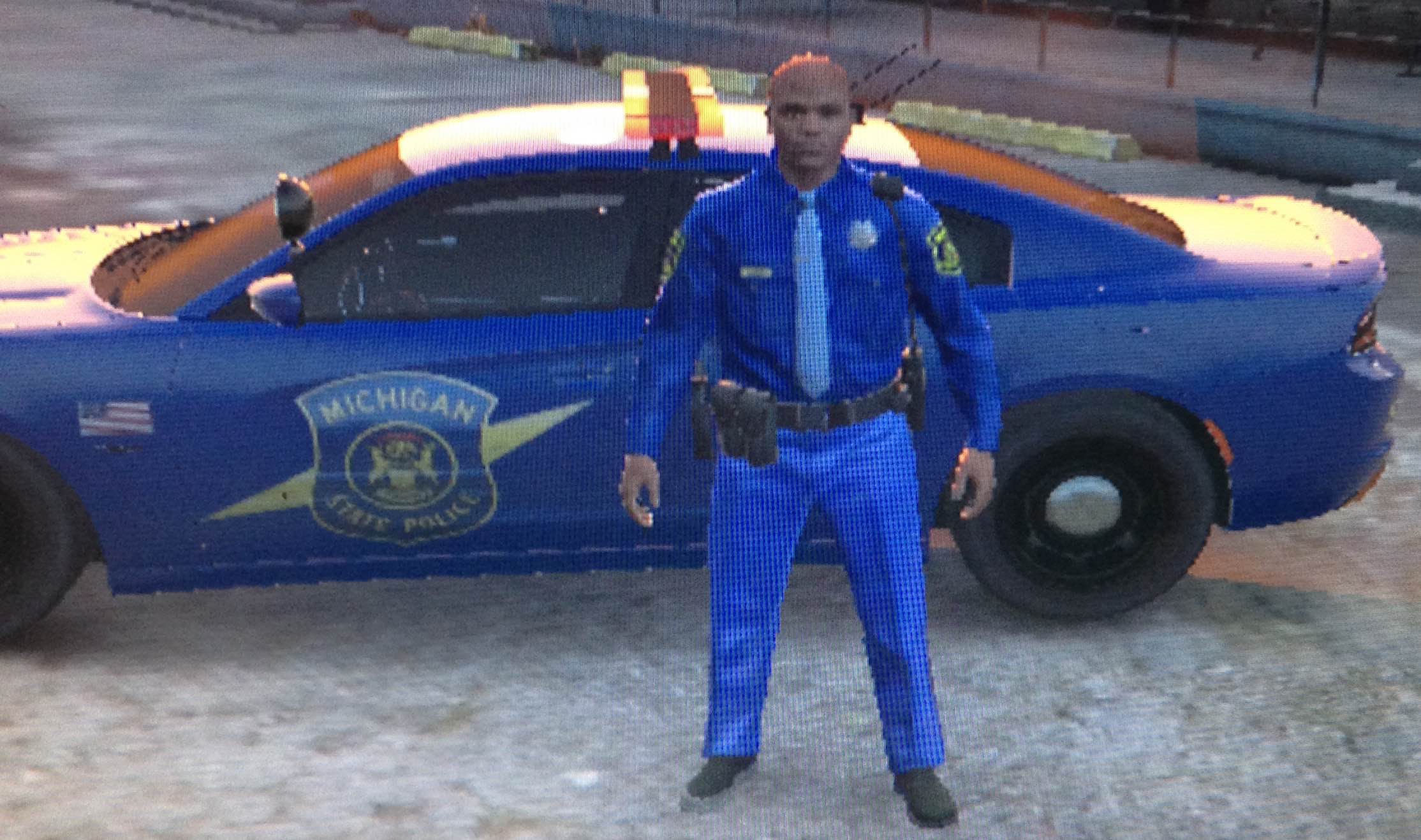
Updates Coming!: Cherry light, Michigan License Plate
Check out my other work:
MSP Uniform - http://www.lcpdfr.com/files/file/8645-michigan-state-police-uniform/
Michigan State Police Skin for KAMELKFB's 2015 Dodge Charger RT
KAMELKFB Model :https://pl.gta5-mods.com/vehicles/2015-dodge-charger-rt-police
Updates will come periodically to the texture as well as other cars!
Installation:
Use Openiv and go to GTA V/update/x64/dlspacks/patchday3ng/dlc.rpf/x64/levels/gta5/vehicles.rpf
Activate edit mode
Replace police2.yft, police2_hi.yft, police2.ytd and police2+hi.ytd
with KAMELKFB's files available at: https://pl.gta5-mods.com/vehicles/2015-dodge-charger-rt-police
Edit police2.ytd and police2+hi.ytd by replacing the policenew_sign_1.png with MSP.png
Delete policenew2.png
Save and exit
Any questions, comment bellow!
NOTE: If you do use this skin in a video please provide a link to this post. Also please do not redistribute this skin and claim it as your own!
- 163 Downloads
- 10 Comments
Updated