



Powha
Members
-
Joined
-
Last visited
Reputation Activity
-
 Powha got a reaction from Riki.PR.15 for a file, Civil Force - Dodge RAMFuerza Civil of Veracruz State, México. a bit hard, i have to figure out how to apply the matte green.
For:
And also for:
-
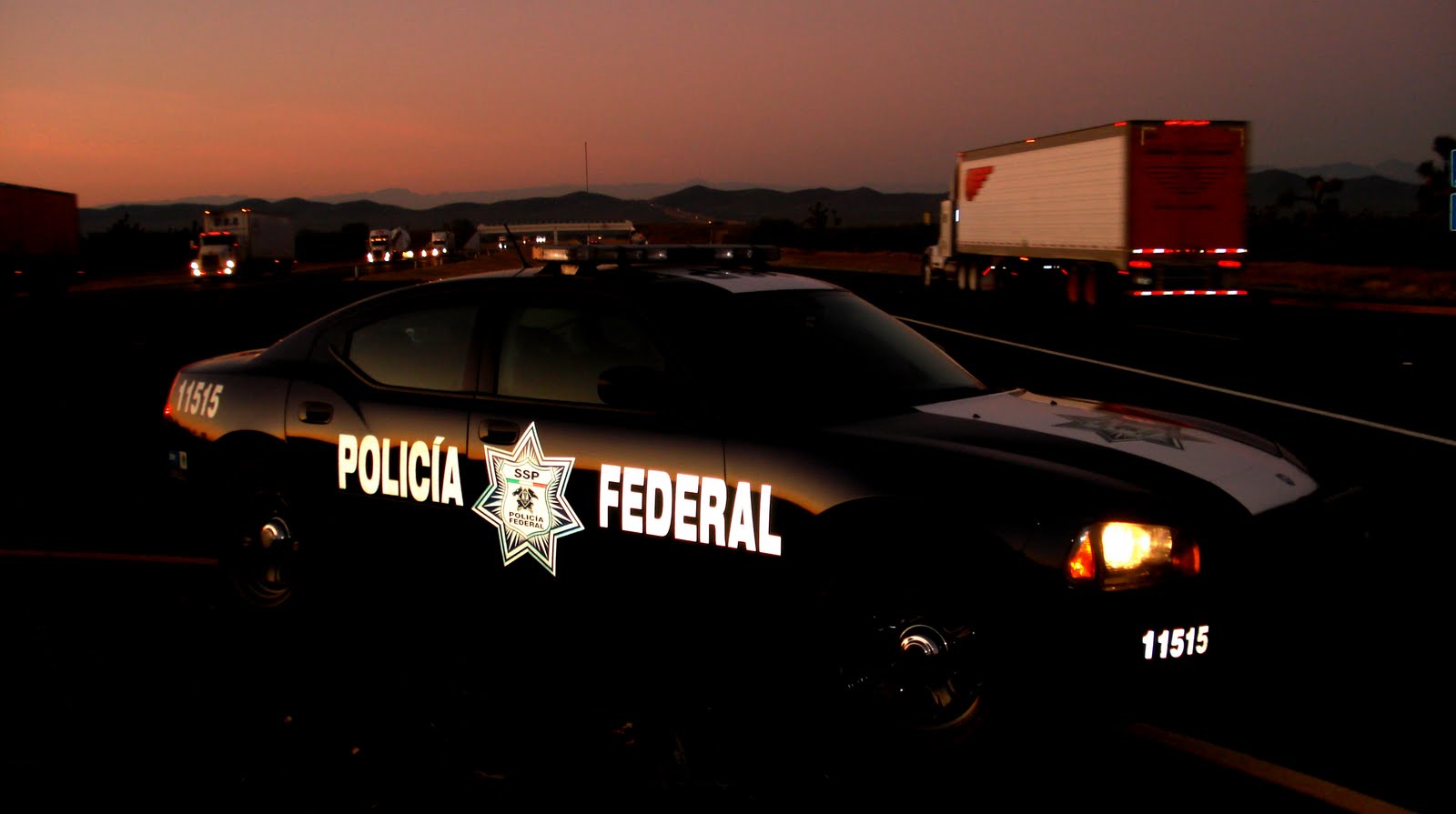
Powha got a reaction from Riki.PR.15 for a file, Policía Federal SuburbanMy second texture i hope you guys try it, its about the mexican Policia Federal with the 2017 textures.
Belongs to:
-
Powha got a reaction from Riki.PR.15 for a file, Texture: Policía Municipal de Querétaro, Mex.Well, with the permission hope @0sc4r give me, i decide to make my first texture for his Fictional 2016 ELS LAPD Dodge Charger 1.0.0, its a texture of my city police, hope you guys try it and i wait for your comments and suggestions.
Just replace with the OpenIV the texture you want in the .ytd file.
This texture blongs to:
