Mrboom431
Members
-
Joined
-
Last visited
Everything posted by Mrboom431
-
-
-
-
-
-
-
-
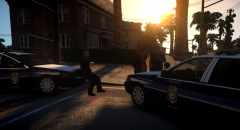 Fairfax County liverys?
 -
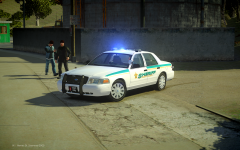 Mmm dat lightbar
 -
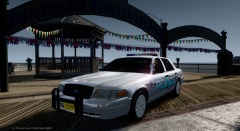 Looks really nice!
 -
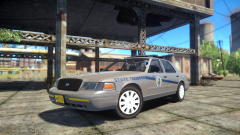 That skin goes so well with that CV :O
 -
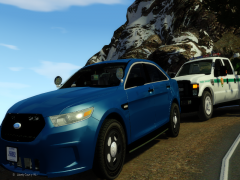 Thats a sexy MD plate on the second and third pic
 -
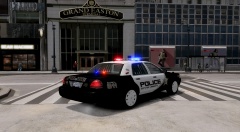 Looks really nice
 -
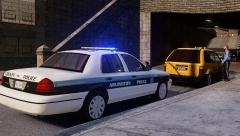 Beautiful! Doesn't ACPD use the Tomar Blade?
 -
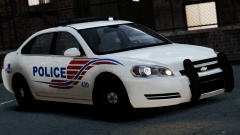 :O I've been looking all over for a car like that! I really hope you release it to the public ;)
 -
Well at Ports of Entry all CBP Officers are armed so I don't think TSA officers at international airports would need any firearms, plus most major airports have their own police departments with officers that have firearms. In my opinion though, guns should only be issued to TSA officers with training. A good alternative to issuing them guns would be tasers.
-
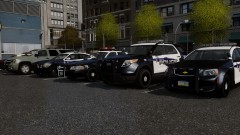 Those skins look amazing!
 -
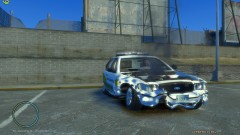 Nice picture, the Cook County paintjob looks really cool
 -
Awesome mod! Um how can I put the sunglasses on? I tried using the trainer but it just gives me the default glasses for the cop. I replaced the pedvariations and I sometimes see AI cops wearing the shades. Anyway great job!
- 107 comments
- 35 reviews
-
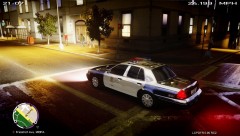 Umm wut
 -
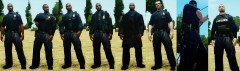 This is awesome! So if it's possible to put the radio on the vest, is it possible to put the radio over the chest on the short sleeve model? Anyway very good job!
 -
-
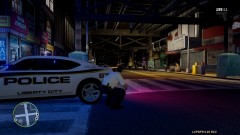
From the album: LCPDFR Patrolling
Pew Pew! -
-
Yep no problem!