AustinAlwood
Members
-
Joined
-
Last visited
Files posted by AustinAlwood
-
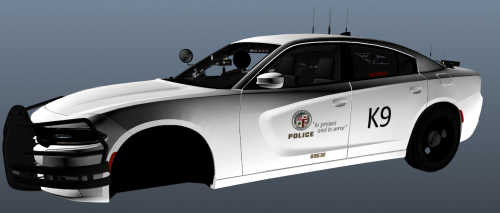
This is a skin for a 2015 Slicktop charger made by Gump. This skin is distributed as is and will most likely not be edited
Same installation instructions as he has updated, use openIV and open the Texture Dictionary of the car, drag and drop. Should be good to go from there.
- 195 Downloads
Submitted -
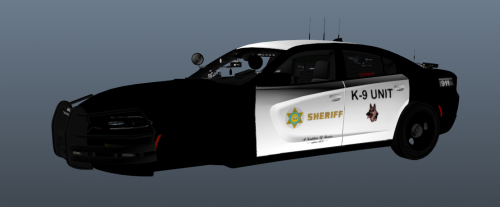
This is a skin for a 2015 Slicktop charger made by Gump. This skin is distributed as is and will most likely not be edited
Same installation instructions as he has updated, use openIV and open the Texture Dictionary of the car, drag and drop. Should be good to go from there.
- 362 Downloads
Submitted -
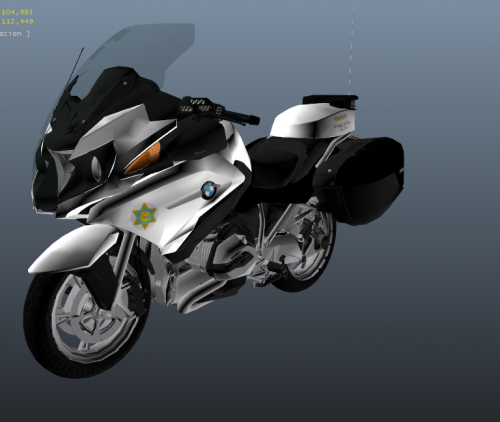
I decided to release a few things I made for my own game, it is distributed as is and I most likely will not be editing it.
Model can the found made by TheHurks here -
Same installation instructions as he has updated, use openIV and open the Texture Dictionary of the bike, drag and drop. Should be good to go from there.
- 946 Downloads
Submitted -
I am not new to skinning but new to uploading. May or may not take requests. Please enjoy with you favorite explorer!!!!
- 71 Downloads
Submitted