j0eyb
Members
-
Joined
-
Last visited
Everything posted by j0eyb
-
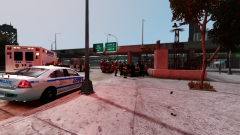
From the album: LCPD ESU
-
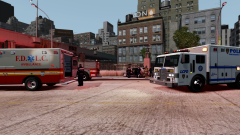
From the album: LCPD ESU
-
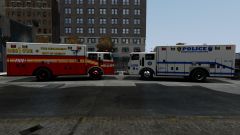
From the album: LCPD ESU
FDLC RESCUE 1 and LCPD ESU SQUAD 1 TRUCK 1 -
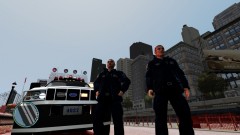 i might do a paramedic one but the only trouble is theres a shirt aswel as the shirt jacket combo and its untucked so doesn't look right as a uniform and so far i can't make it look tucked in. I've got this set as traffic cop so i just select the jacket each time but obviously with paramedic it would be random when they spawn
 -
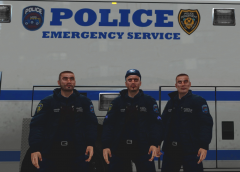 My best work yet i think.
 -
From the album: LCPD ESU
New emergency service unit general purpose uniform. -
its PINDUS_03 I think you only see them the industrial areas. I modded the shirt to make it looked tucked in and gave them belts. Just got to add a baseball cap now
-
From the album: LCPD ESU
-
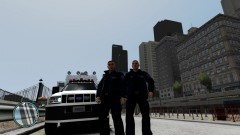
From the album: LCPD ESU
-
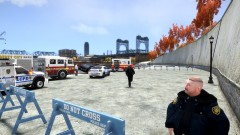 how long did this take you to set up?
 -
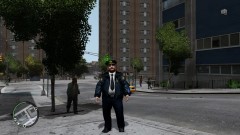 I can't upload it i wish i could but it keeps coming up with an error message saying i havn't selected a file.
 -
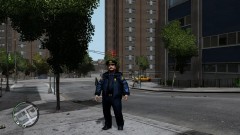
From the album: lcpd sergeants and lieutenant
-
my lcpd sergeants and lieutenant textures
-
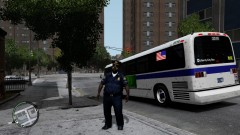
From the album: lcpd sergeants and lieutenant
-
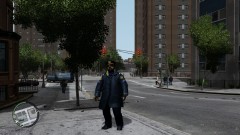
From the album: lcpd sergeants and lieutenant
-
From the album: lcpd sergeants and lieutenant
-
im trying to upload a ped texture mod but everytime i try and upload the WinRAR file it says "Error No file was selected for upload". I've uploaded one mod so far which was a vehicle mod which uploaded no problem. As far as i can tell the file types are the same so I don't understand why vehicles upload but ped mods get this weird error. any suggestions?
-
-
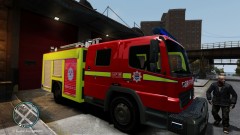
A London Fire Brigade texture mod for Mercedes Atego / NMBMM Fire & Emergency Services - V1.0AE ELS-H By KevinDV
- 4 comments
- 4 reviews
-
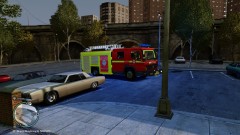 I will upload soon just got some final touches to do
 -
From the album: LFB
en route to a persons reported flat fire -
London Fire Brigade Atego
-
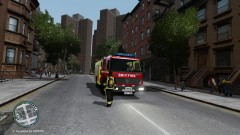
From the album: LFB
Another prank call -
-
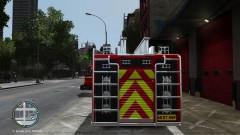
From the album: LFB
The best i could do with the texture files