xMoD
Members
-
Joined
-
Last visited
Everything posted by xMoD
-
-
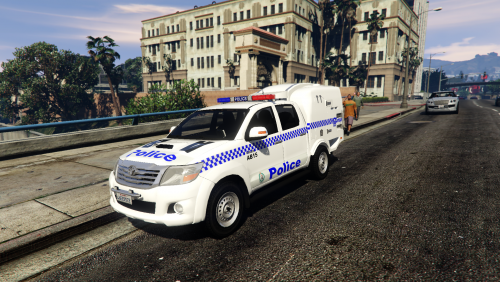
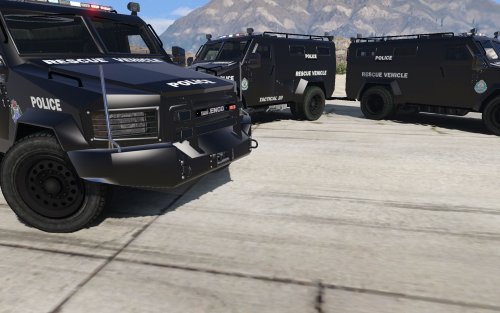 Great job! I actually made myself one of these exact but accidentally deleted it. I love all the Australian modifications coming to GTA V
- 1 review
-
-

- 1
-
-
-
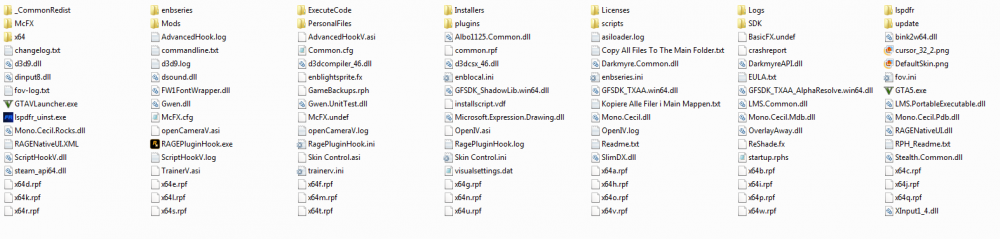
I have no clue why my GTA is crashing, It was working yesterday night but this morning stopped working... any ideas? Never mind, simple fix, not enough disk space! TOPIC CLOSED
-
-
 Cant wait!!
 -
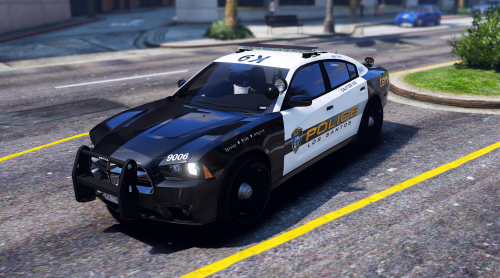
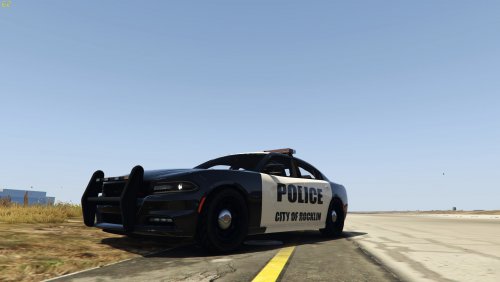 Nice try for your first file. But there are errors... 1. You used the wrong font.. fonts are a pain because you never know what the correct font is but try typing out the text you need, have a real picture of the RPD design next to you and go through every font to see which one is closest to it and you may need to stretch it out or use free transform. 2. Know where everything is on the template. I always put the blank template on the model before I start skinning to know where parts of the vehicle are located on the vehicle. It helps a lot and from what I can see you need to work on lining up your lines on the texture before you fill them in with color and always save the file every now and then and see how it is looking on the model to tell if you have made any errors. 3. Be sure your work is nearest perfect when you upload. You do not want people seeing your uploads and not liking them just because it is sloppy or incorrect. Cross check your texture with a lot of other pictures of the same vehicle IRL. If people see your first file and don't like it, always try again and do better next time to show them what you are capable of. 4. (Tips)To make your texture 4K, change the image size to 4096x4096, Use the polygonal lasso tool to get precise precision when following lines on the template, never think a texture is too hard to make, always give it a try. I hope I helped some, ~xMoD
- 1 comment
- 1 review
-
-
-
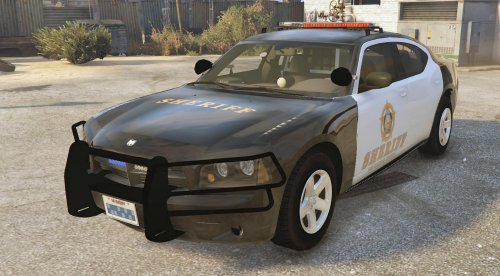 Same as Vampyre said. You really should put more effort into your work as if you don't upload good quality files you will not have a good reputation on this website. But 2 stars for the effort, keep improving your files:)
- 1 comment
- 2 reviews
-
-
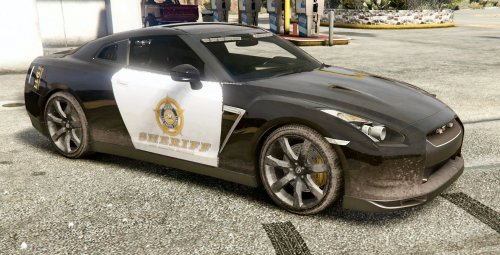 Again this is not very good work. It is as if you just used the paint brush on the template and slapped on some logos from google which then aren't even placed on correctly... 2 out of 10 stars.. cant change my review
- 1 comment
- 2 reviews
-
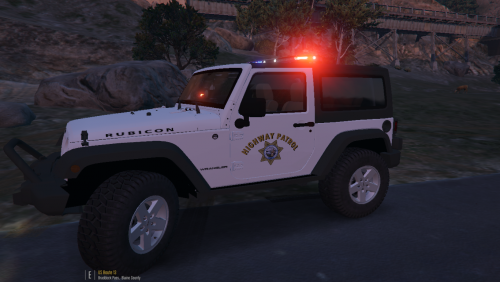 Looks cool but I wouldn't ever see a Jeep as a Highway Patrol vehicle because it isn't very fast and its meant for off roading usually. I would use it for the Sheriffs Office or PD
 -
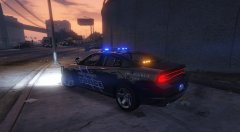 I live close to SS and this texture isn't very exact... not sure if it was supposed to be correct me if I am wrong.From what I can see in the picture, The SSP decals on the front and rear doors is Italicized in the wrong direction and the Emergency 911 decals are stretched too far
 -
-
-
-
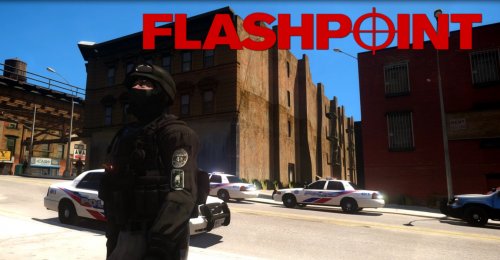 Well I hope the one I sent you is better!
 -
-
-
How can I use my mods folder now?
-
How do I get rid of reshade = And I need my mods folder, when I deleted the file you said the mods folder wont work.. But how does it not work when I was using it at 2:00 AM last night then at 3:00 AM it stopped working... I installed nothing.
-
Did that and also all the words and my trainer, ect text is fuzzy. this just started aswell
-
-
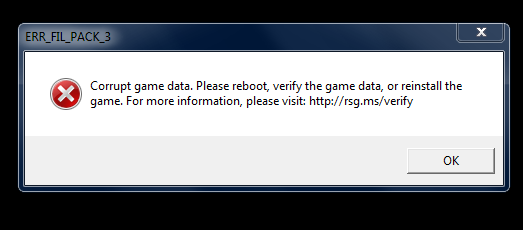
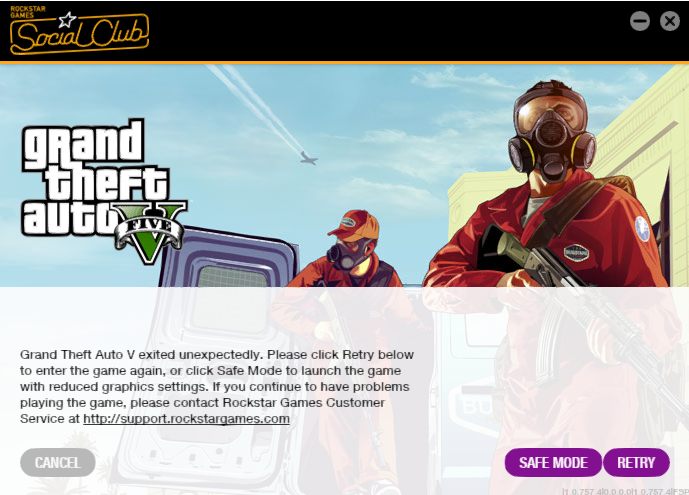
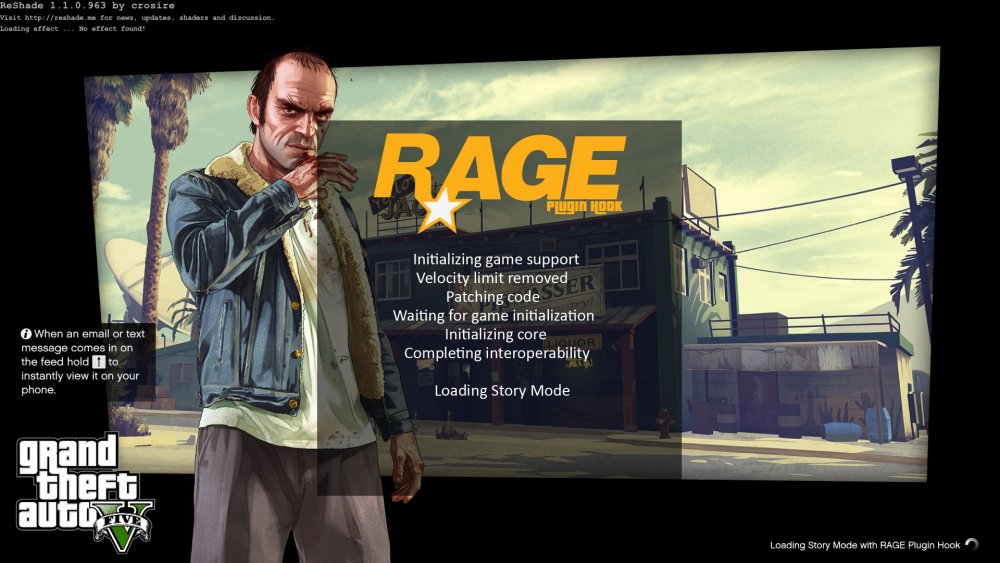
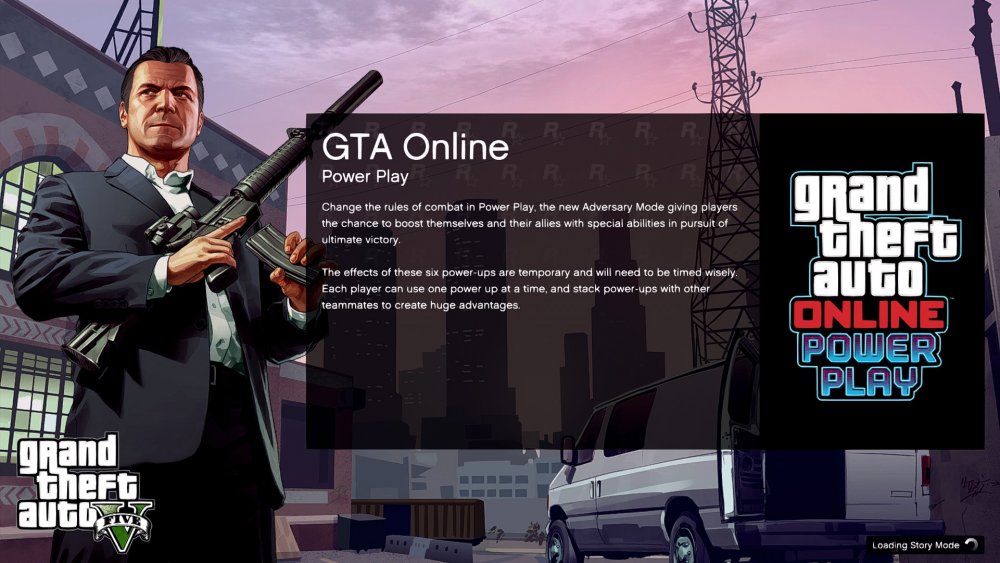
My GTA just started acting up last night and now whenever I launch the game with RPH or through Steam it starts loading then while loading an error occurs and it shows this..... not sure whats going on, I haven't installed anything since then. I've also tried to verified my game cache in Steam and it says all files were there.