


xMoD
Members
-
Joined
-
Last visited
Everything posted by xMoD
-
-
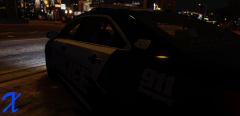
From the album: xMoD's Album
-
-
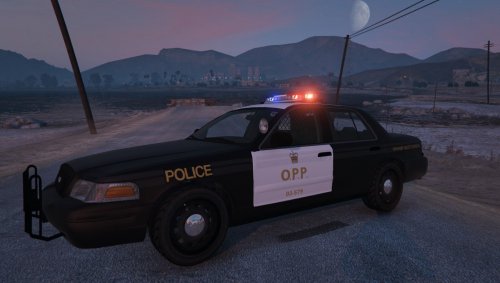
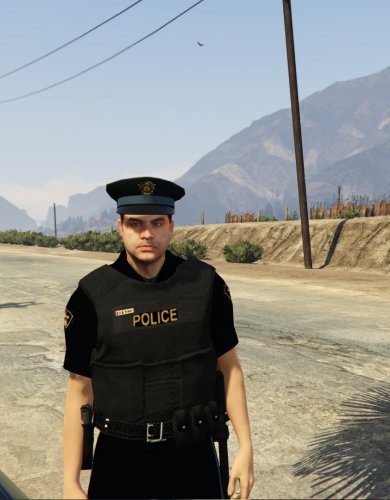 Great uniform but no need to say OPP Provincial, Ontario Provincial Police Provincial :)
- 6 comments
- 3 reviews
-
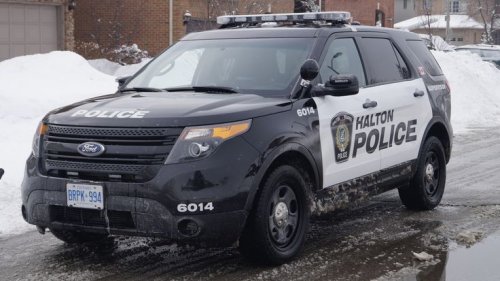 Other than the door decals being too squished together and stretched too far it looks nice :)
- 4 comments
- 2 reviews
-
-

- 1
-
-
-
-
-
-
-
-
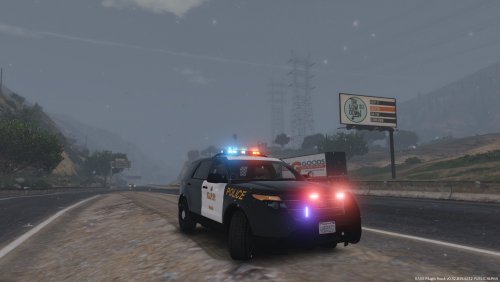 @Joel06I know I am missing the stealth lines, I dreaded uploading this without them. I couldn't get the lines to come out even and in the right opacity.
- 10 comments
- 1 review
-
 Cool texture but the colored light bar textures are supposed to be clear for the FS Arjent.
- 2 comments
- 1 review
-
-
- 2
-
-
-
 Haha alright.. I just live 30 minutes away from Sandy Springs
 -
So as of a month a go my screenshots stopped working in GTA V through Steam. I am not sure what happened because I used to take a lot of screenshots but now they wont work. I've tried everything IE changing the screenshot button, clearing space for them, verifying game cache. Nothing worked and then my GTA IV screenshots stopped working. Aswell in both games the Steam overlay wont open when I shift tab. I have no idea how to fix it because I would like to take screenshots in game again :(
-
-
-
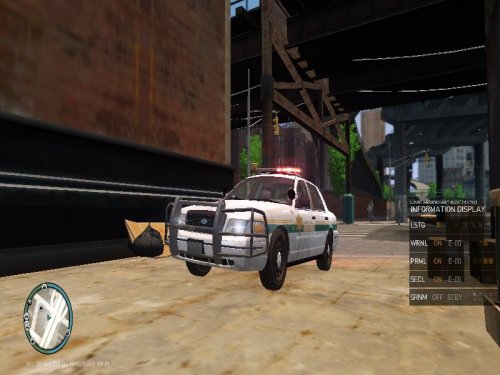 That rambar is way to big, and your lightbar is too far off the roof... this model needs a ton of work.
- 36 comments
- 9 reviews
-
-
- 5
-
-
-
-
-
-
.thumb.png.2d80fd653bcf1896f9cb97419070acfe.png) On the GSP texture, what font was used for STATE TROOPER on the front of the vehicle?
On the GSP texture, what font was used for STATE TROOPER on the front of the vehicle?- 9 comments
- 14 reviews
-



.thumb.jpg.1ae3eb8e2f39d49c6f925c3f1d2e18f2.jpg)

.thumb.png.2d80fd653bcf1896f9cb97419070acfe.png)
.thumb.jpg.1db0be3e377ccefdd47e57a95ec56762.jpg)