


Cameron Waller
Members
-
Joined
Everything posted by Cameron Waller
-
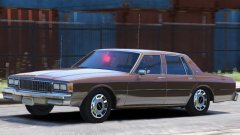 It's made to fit the wheel on the caprice now I'm not changing it.
 -
I think it's fine.
-
Was it on a 86 or 87
-
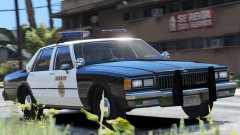 I feel you.
 -
Soon.
-
From the album: My W.I.P
-
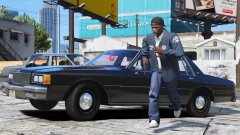
From the album: My W.I.P
-
-
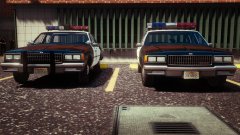
From the album: My W.I.P
-
From the album: My W.I.P
-
-
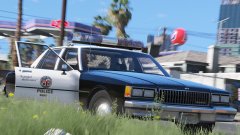 I already have them.
 -
I’ll remove it.
-
I’m not answering anymore questions about release dates.
-
Do you have an example?
-
From the album: My W.I.P
-
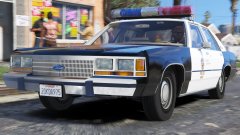 Will you just let me finish the car.
 -
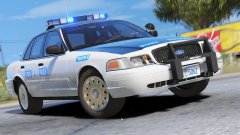
From the album: Random Pics
-
When it’s done.
-
I don’t do release dates.
-
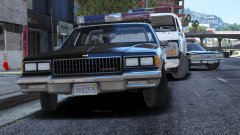 If I find a good one.
 -
From the album: My W.I.P
-
I didn't even know he said anything about the hubcaps and center piece.
-
I know that's why the one with the hubcaps has a newer lightbar.
-
 All my other answers go for the LTD too.




