


Cameron Waller
Members
-
Joined
Everything posted by Cameron Waller
-
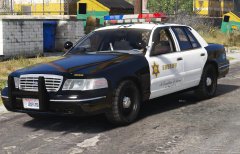 His isn't a all light MX-7000.
 -
From the album: My W.I.P
-
-
From the album: My W.I.P
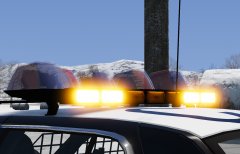
I am the car is complete just have to do some testing.Released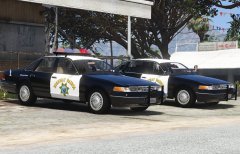
From the album: My W.I.P
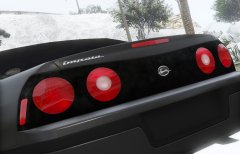 The model clearly will need improvement from it's GTA SA days and I'm going to take the time to improve the model.
From the album: My W.I.P
I'm working on converting this 2000-2005 Chevy Impala 9C1 and I plan to rework the model to enhance the quality to GTA V standards.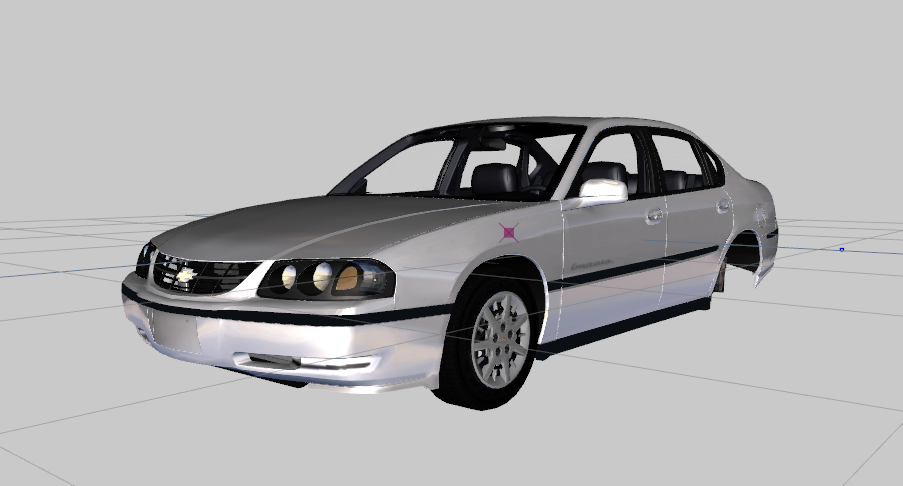
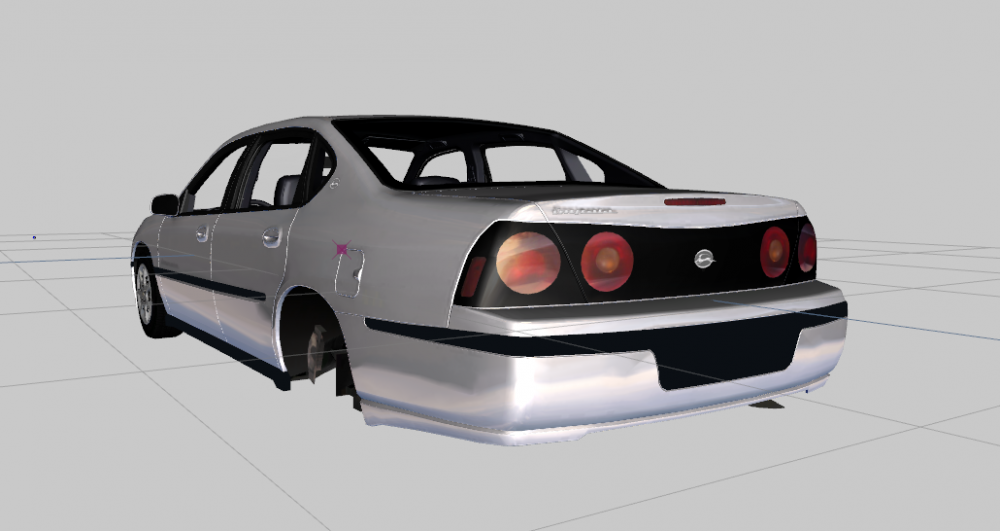
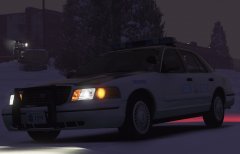
From the album: My W.I.P
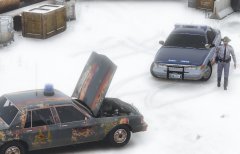
From the album: My W.I.P
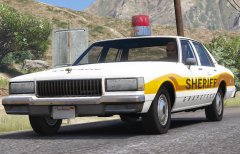
From the album: Random Pics
Due to the recent attack on all people who make GTA more fun to play by Take-Two Interactive I'm trying to push out my models before they try anything else, I plan to release my 96 VSP CVPI by tomorrow.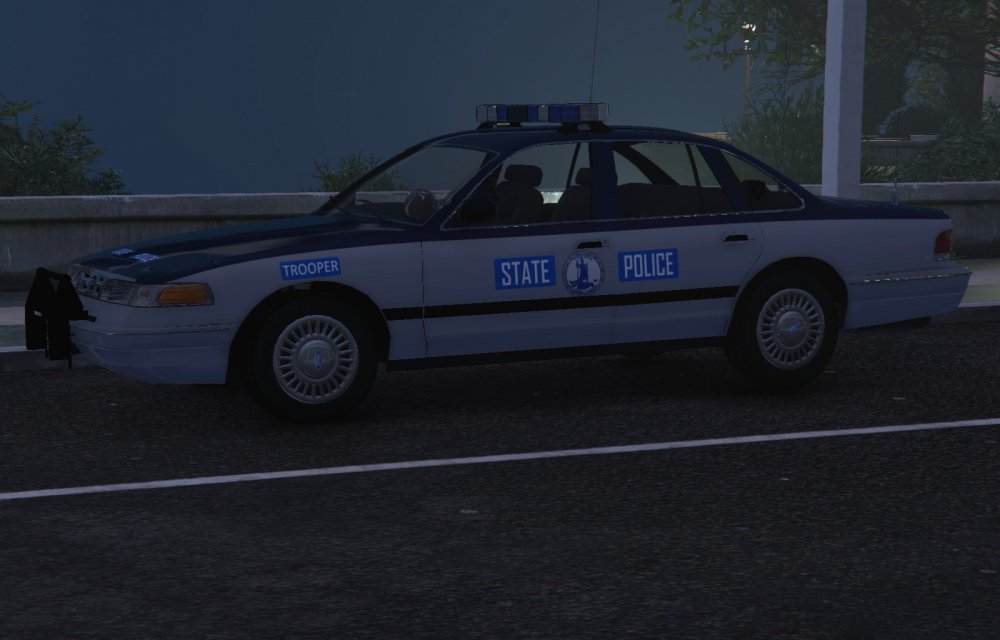
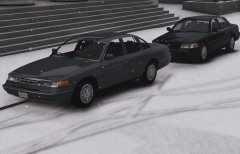
From the album: My W.I.P
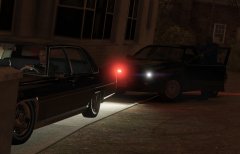
It's still being worked on.I'm back on this topic and with the Liberty City map by OpenIV coming soon I'm working on a 1990s NYC and maybe NJ Emergency pack, I've planned: 1990 Chevy Caprice 9C1 NYPD 1992 GMC Ambulance FDNY 1995 Chevy Caprice 9C1 NYPD, PAPD, maybe NYSP 1996 Ford Crown Victoria P71 NYPD, PAPD, maybe NYSP 1998 Ford Crown Victoria P71 NYPD, PAPD, maybe NYSP 1998 Ford Crown Victoria P71 FDNY EMS Chief 1999 Ford Crown Victoria P71 NYPD, PAPD, maybe NYSP 1999 Ford F-450 Super Duty NYPD, PAPD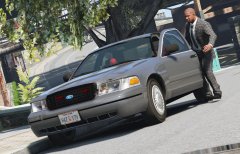
From the album: My W.I.P
 https://www.gta5-mods.com/paintjobs/new-york-license-plate-pack
From the album: My W.I.P




