frebter
Members
-
Joined
-
Last visited
Everything posted by frebter
-
-
My laptop [64-Bit Win 8, Intel i7-4702MQ 2.20GHz, 32GB RAM [The Only of these which had a Blue-Ray Drive ] GTA IV with LCPDFR runs at all High Settings in 1920x1080
-
No, it works very well!
-
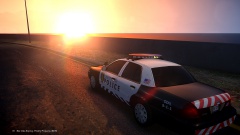
I also can play GTA IV with LCPDFR, ELS V7, ENB on Windows 8 Laptop!
-
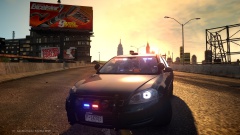
 It's CryENB V1!
 -
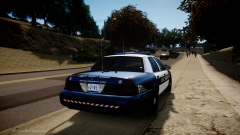
 Please name a few awesome Impala's! I'm searching for a new one! ;-)
 -
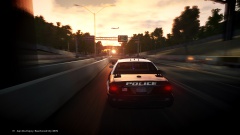
From the album: My Pic's
-
Pictures of my Game
-
From the album: My Pic's
-
-
-
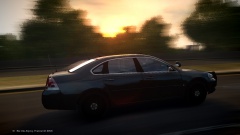
From the album: My Pic's
Cruising around! :D -
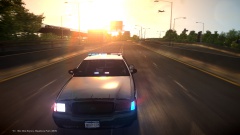
From the album: My Pic's
-
-
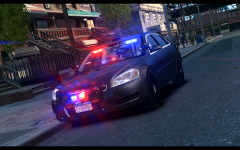 Awesome Picture!!
 -
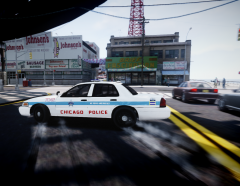 Awesome Picture!
 -
-
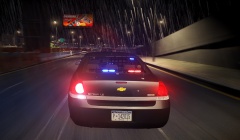
From the album: My Pic's
-
-
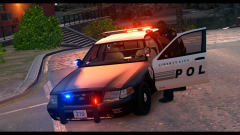 this looks awesome!!
 -
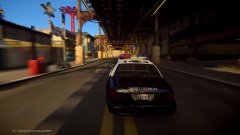
From the album: My Pic's
-
-
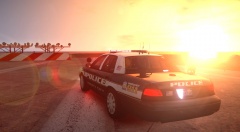 Hahaha :-D I really think I should wear googles next time ;-)
 -
-
From the album: My Pic's
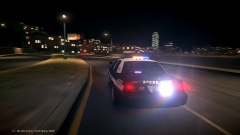
I think ELS looks fantastic with this ENB!