


wholloway909666
Members
-
Joined
-
Last visited
Everything posted by wholloway909666
-
This is the Liberty City PD, Liberty City FD, Liberty PARKS and Airport. more to come later
-
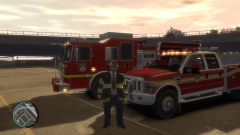
From the album: Liberty City Safety
-
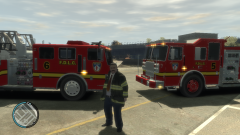
From the album: Liberty City Safety
-
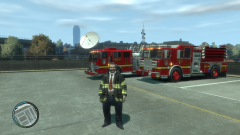
From the album: Liberty City Safety
-
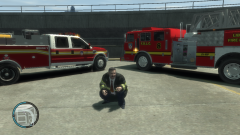
From the album: Liberty City Safety
-
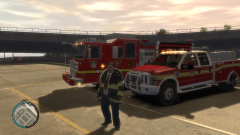
From the album: Liberty City Safety
-
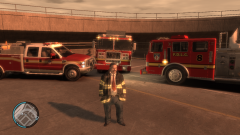
From the album: Liberty City Safety
-
I know this might get bumped or closed but I am going to throw this out there anyways. Does anyone want to play GTA IV online with me either LCPDFR or not... its up to you guys but I want to do some multiplayer gaming on here please...
-
I am getting the same thing... what the duce???
-
Good luck... I cant wait to see them on here
-
Bravo 9 Actual... that is a nice looking Engine what was the base model a segrave marauder II or a pierce model???
-
-
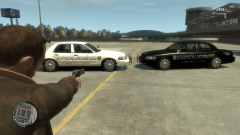
From the album: Liberty City Safety
New Units -
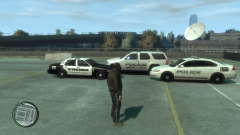
From the album: Liberty City Safety
-
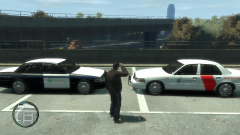
From the album: Liberty City Safety
-
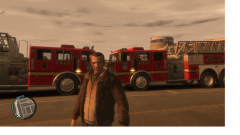
From the album: Liberty City Safety
Trucks 1 and 4 -
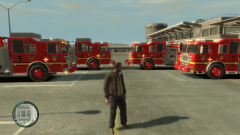
From the album: Liberty City Safety
The Engines -
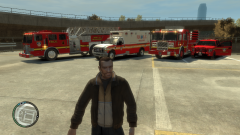
From the album: Liberty City Safety
-
ok so what do i open the trainer.ini in WinRAR? and another question is the for the plate reader script how do I open that one and where do I put it
-
I figured out the ELS with the trainer but I still cant change the liveries I have imported the skins to the model and I did make sure that the car does have multiple liveries... but in the trainer I cant change them... am I doing something wrong??? I am using Open IV
-
Well I now have no ELS and I have installed ELS into the files... help
-
Hey guys I was just wondering how to change the liveries on my cars I have a simple trainer but its not letting me change them help

