Fowler
Members
-
Joined
-
Last visited
Everything posted by Fowler
-
 Looks delightful 😍That's pretty sweet man, good work!
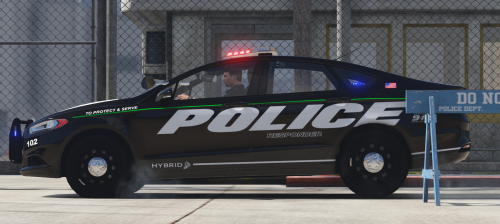 Looks amazing, works amazing and well it tastes amazing. Kind of like snozzberries... 10/10 great job man!
- 46 comments
- 13 reviews
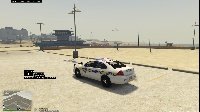
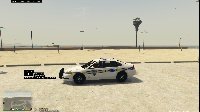
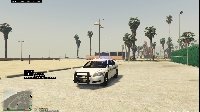
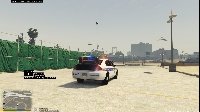
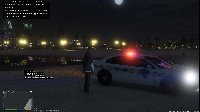
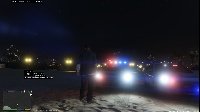
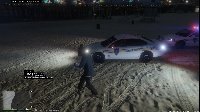
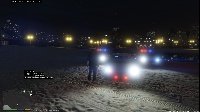
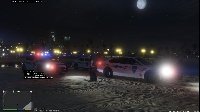
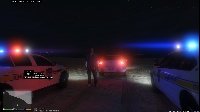
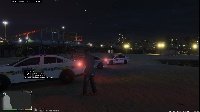
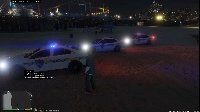
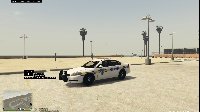
Coming at you all with a killer fun SWAT patrol... check it out!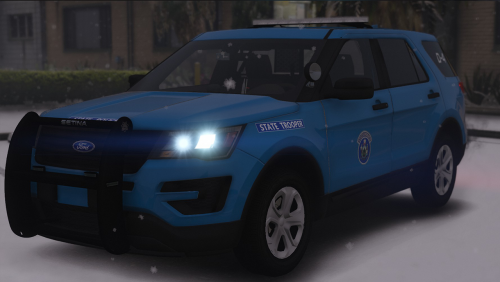 Hey everyone I took some time to put this skin together for my video and decided I'd upload it for others to enjoy. It's pretty accurate minus the part where there was no place for the license plate on the template but it is what it is. Anyway enjoy the skin! Preview video: You can find the model I used in the images here :
Account
Navigation
Search
Configure browser push notifications
Chrome (Android)
- Tap the lock icon next to the address bar.
- Tap Permissions → Notifications.
- Adjust your preference.
Chrome (Desktop)
- Click the padlock icon in the address bar.
- Select Site settings.
- Find Notifications and adjust your preference.
Safari (iOS 16.4+)
- Ensure the site is installed via Add to Home Screen.
- Open Settings App → Notifications.
- Find your app name and adjust your preference.
Safari (macOS)
- Go to Safari → Preferences.
- Click the Websites tab.
- Select Notifications in the sidebar.
- Find this website and adjust your preference.
Edge (Android)
- Tap the lock icon next to the address bar.
- Tap Permissions.
- Find Notifications and adjust your preference.
Edge (Desktop)
- Click the padlock icon in the address bar.
- Click Permissions for this site.
- Find Notifications and adjust your preference.
Firefox (Android)
- Go to Settings → Site permissions.
- Tap Notifications.
- Find this site in the list and adjust your preference.
Firefox (Desktop)
- Open Firefox Settings.
- Search for Notifications.
- Find this site in the list and adjust your preference.