skynyrd47
Members
-
Joined
-
Last visited
Everything posted by skynyrd47
-
So its just Copholster for GTA IV? Right? If so hand placement looks good to me
-
LSPDFR has a toggle for the siren that keybinding is J with the lights on.
-
Bless them for their service, I know death is part of the job description but still. World peace would be nice, but with out LEO are the first to keep it possible.
-
YA buddy
-
From the album: I LOVE THIS GAME
-
-
From the album: I LOVE THIS GAME
-
From the album: I LOVE THIS GAME
-
-
-
-
-
From the album: I LOVE THIS GAME
-
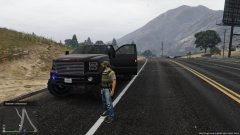
From the album: I LOVE THIS GAME
-
-
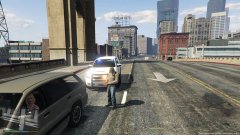
From the album: I LOVE THIS GAME
-
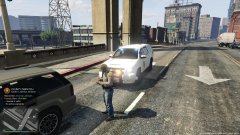
From the album: I LOVE THIS GAME
-
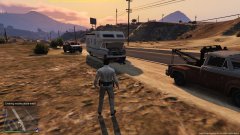
From the album: I LOVE THIS GAME
-
From the album: I LOVE THIS GAME
-
Good memory brother
-
Very valid points thanks for responding
-
So I was on patrol last night, and I got to wondering, will the grab and lead feature for arrested peds come over to LSPDFR? Or is it something that is really difficult to code into gta v?
-
 Best immersive mod thus far adds alot of customization for a one of a kind feelings. Cant wait for the tactical gear like the thigh holsters.... hint
- 2,341 comments
- 236 reviews
-
-

- 1
-
-
Alex_Ashfold I have a suggestion for ya, I too had problems getting the clothes to work but I simply followed you pictures, you literally gave me the patterns for your edits and I was able to figure it out from there. It might behoove you too mention this in your readme or on your mod page. I noticed alot of the question in your comment section were people like me trying to figure this awesome dude out. Amazing work bud thanks for answering me about the voice I will give it a shot.
- 2,341 comments
- 236 reviews
-
So when using the multiplayer model, I have no commands or speech. ANY ideas how to get the model to use an existing path?
- 2,341 comments
- 236 reviews