


cjr10621
Members
-
Joined
-
Last visited
Everything posted by cjr10621
-
-
@Tuffjamaican91Like this?
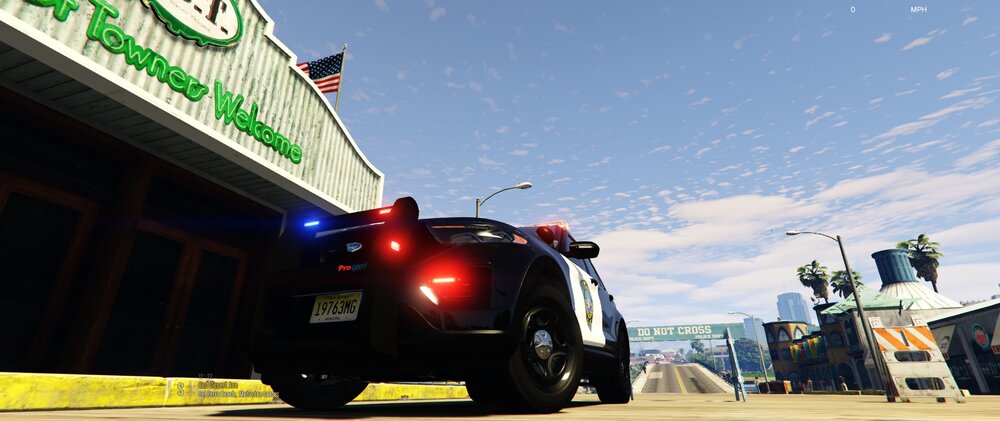
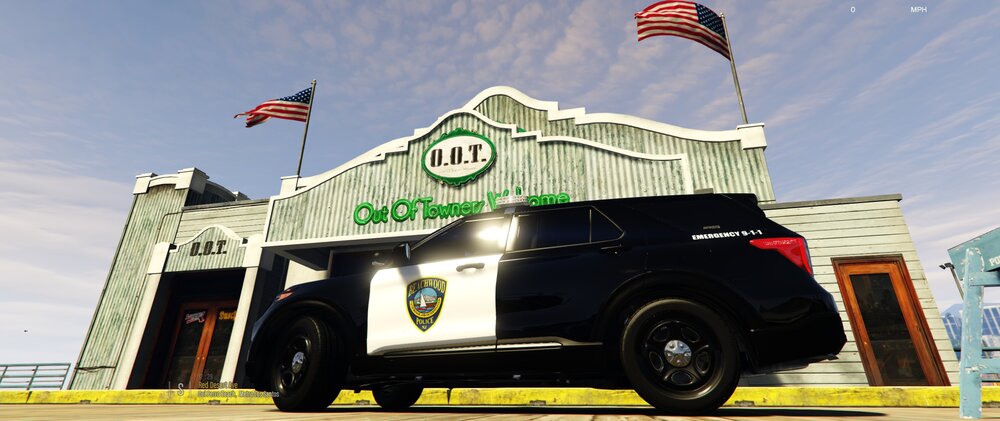
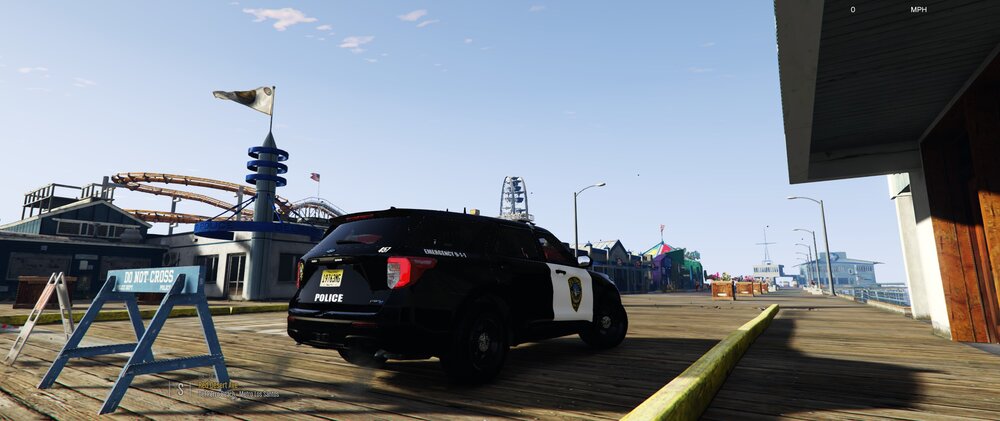
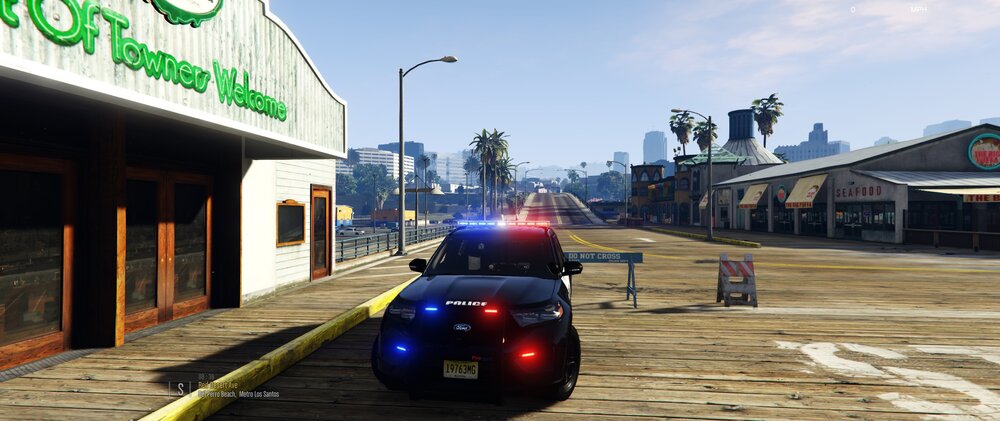
-
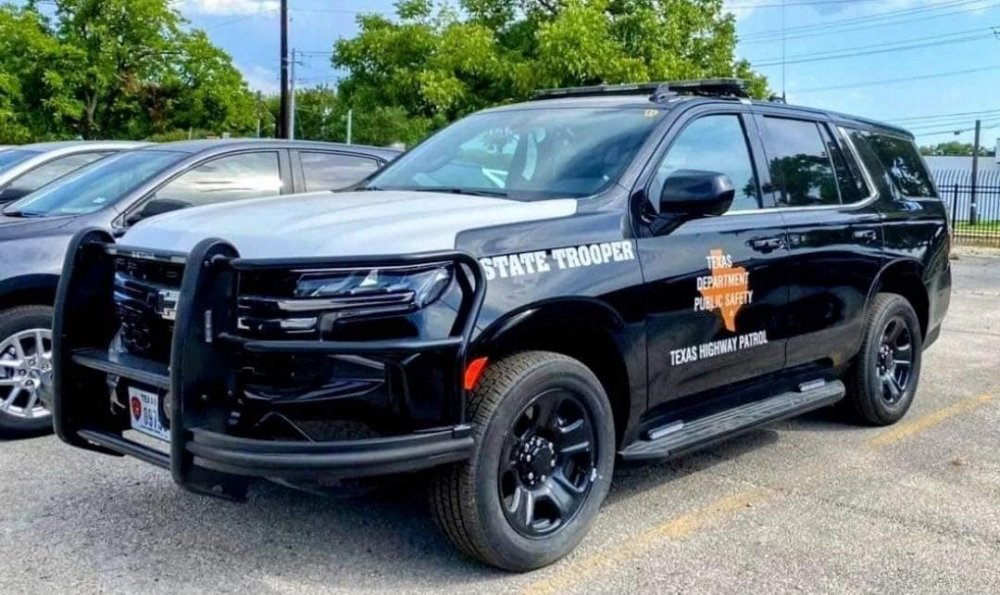
So is it basically a black skin with sheriff letters, badge and silver hood?Bro same here. I was so happy when I finally found out what it wasTexas DPS new Tahoes rolling around, wasn't a fan of the Tahoes but this one is one of the best I have seen yet. Anyone know of a model like this or want to make one?
 https://www.mediafire.com/file/vkiom8uhvjo36c3/release.rar/file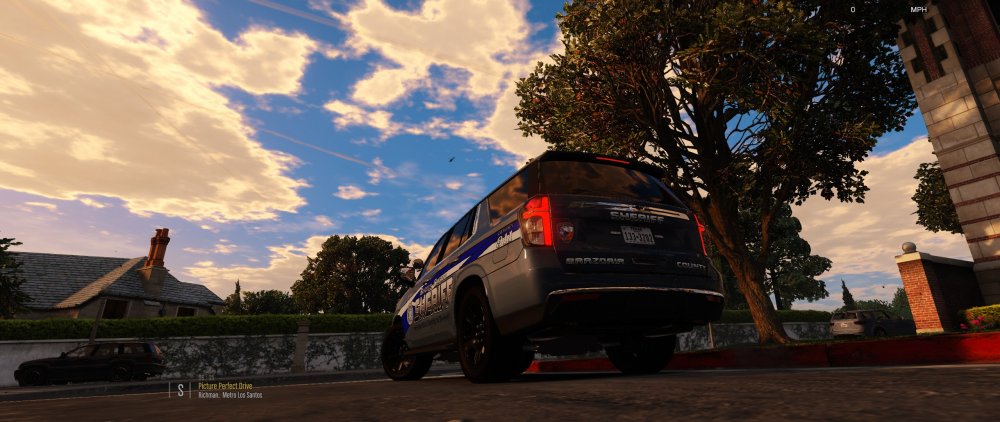
 Yeah its a pretty standard design used by the same graphic outfitters for multiple agencies in TXThis is an album of skins that I have done for people requesting them. Not every skin that is requested gets made. If I like the design ill make it if not I wont. :)
-
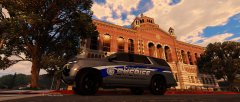
 20220721055730_1.jpg
-
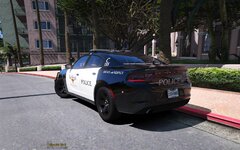
 20220721055714_1.jpg
-
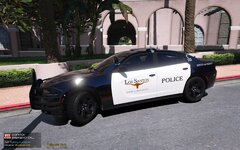
 20191024145817_1.jpg
-
 20191024145758_1.jpg
-
 Blaine County K9_2
-
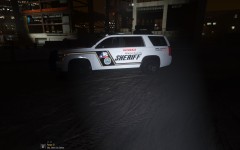 Blaine County K9
-
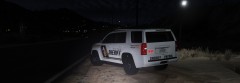 What a difference a day makes..
-
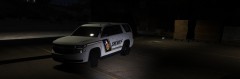 Let it shine, Let it shine
-
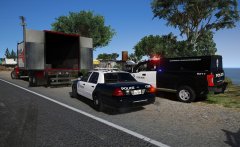 Trafficking..
-
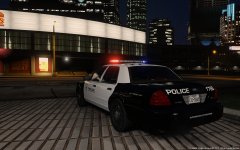 Lying in wait..
-
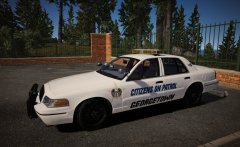 Rentacops, amiright??
-
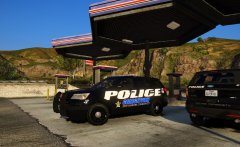 Fuel Stop..
-
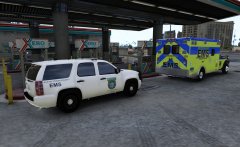 Time to refuel
-
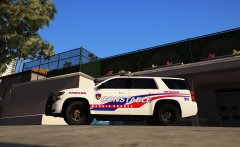 Headed out for patrol..
-
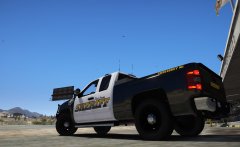 20171207215723_1.jpg
-
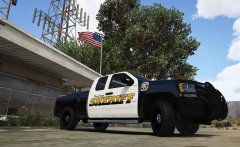 Well HelLoOo
-
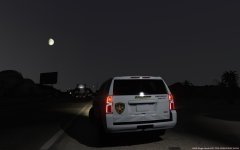 Missing my plate..
-
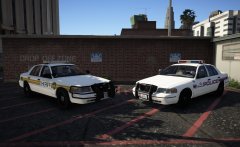 Loving these old school cars
-
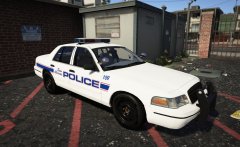 Old school SMPD
-
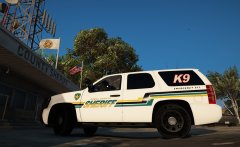 Ignore the K9 in the window..
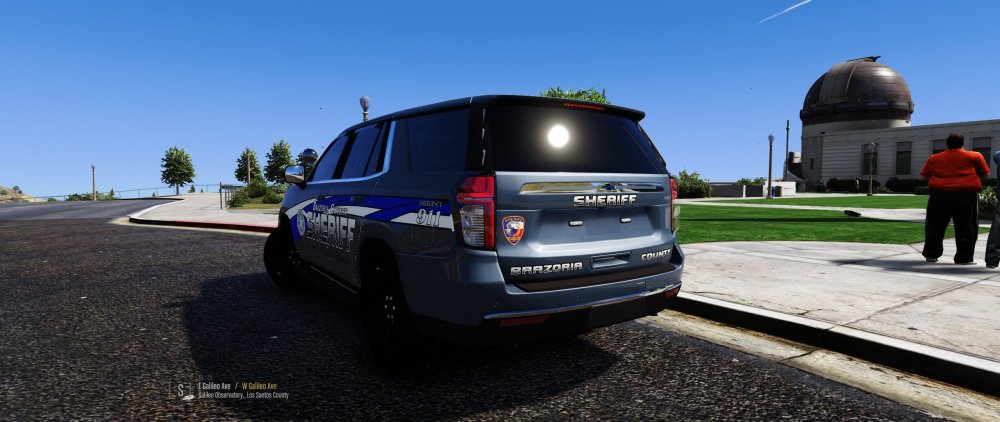
Still have to add plate but all reflective and color matched as much as I can get it 😅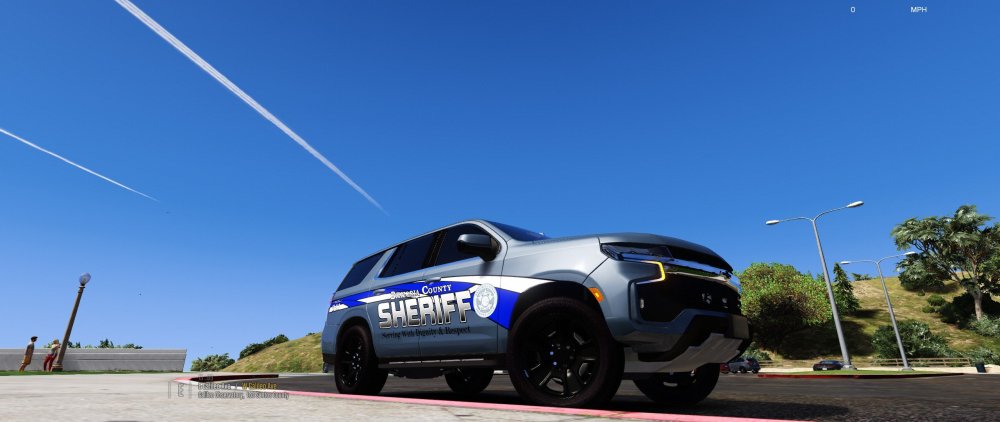
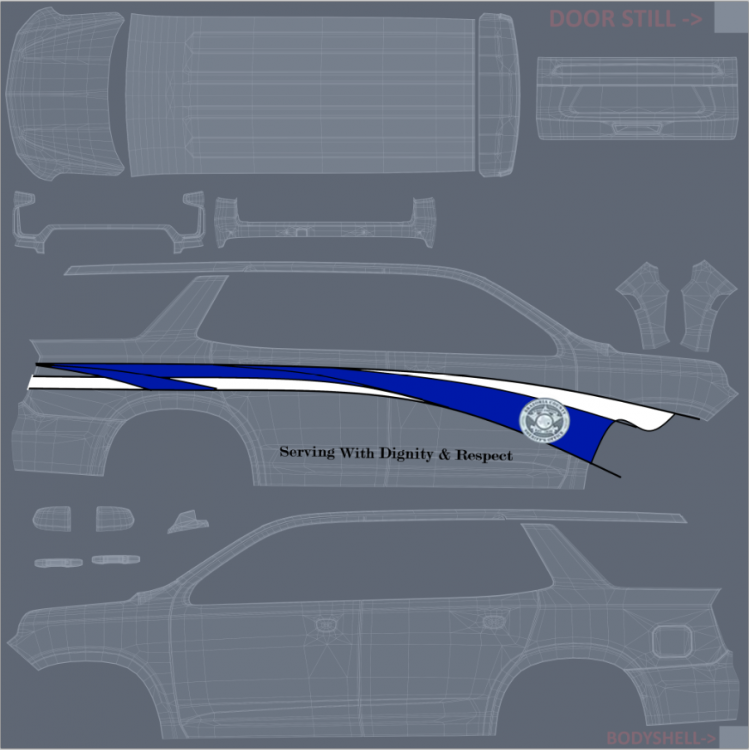
 workin on it 😛
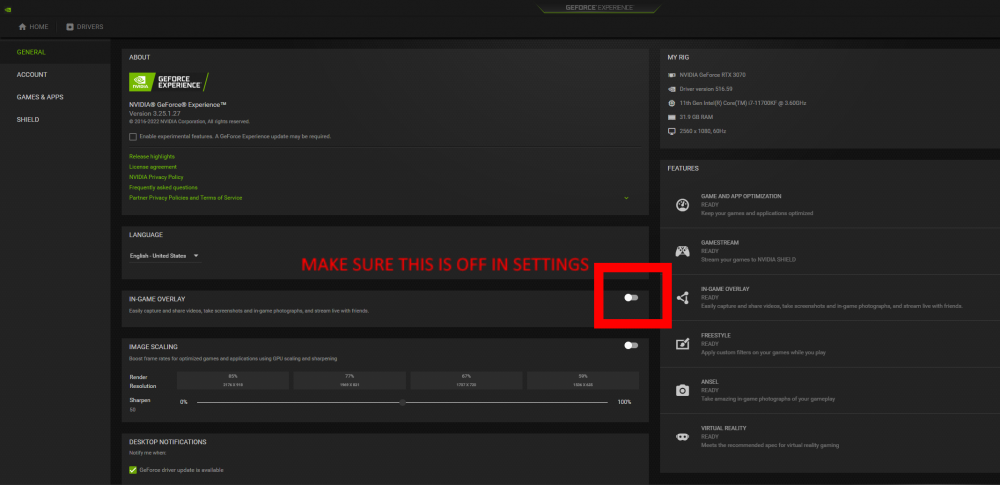
 If you install into a copy folder [Grand Theft Auto-copy] the game will not be read. Remove copy and it should work. Rename other folder which I'm assuming is the unmodded base game to Grand Theft Auto-DefaultIn the title.. but basically it was blocking rage plugin from hooking the game so it would only go to single player and not LSPDFR. Regardless of running as admin etc.If you updated the GeForce Drivers recently it automatically enabled GeForce Overlay in settings within GeForce Experience. Turn that off and it will run as normal just played LSPDFR for 2.5 hours after figuring this out... Hope this helps others 🙂
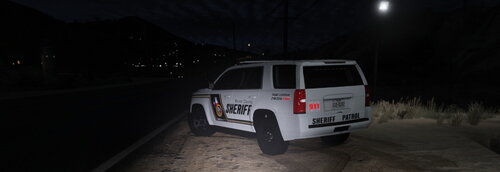
 @PrinceChristianInteresting, No idk another way unless you used alt+J to skip to stage 3 and then J to turn it back off 💁♂️ASI Support for RAGE Plugin Hook - GTA5-Mods.com I have been using this in place of SHV and it works perfectmake sure LstgActivationType is set to Auto like image
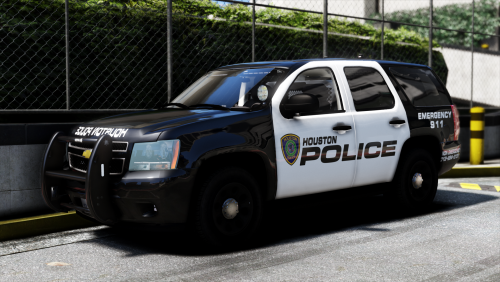
.thumb.png.debb2e8fd42b234303e9e2473fb894e8.png) Awesome update, loved the original but now loving that 2021 even more! Quick question though when I go to change liveries in OpenIV and put it into game they change back to VPD. This is after I have replaced and even have deleted and reimported under the same name as default. I got it to finally show up in game after spawning multiple of the same models but it changed back to VPD while playing. Is the model locked to that one reflective texture on purpose or any help? Thanks and keep up the great work EDIT: Solved by deleting livery flag in vehicles.meta and deleting all skins except for mine in YTD archive 🙂
Awesome update, loved the original but now loving that 2021 even more! Quick question though when I go to change liveries in OpenIV and put it into game they change back to VPD. This is after I have replaced and even have deleted and reimported under the same name as default. I got it to finally show up in game after spawning multiple of the same models but it changed back to VPD while playing. Is the model locked to that one reflective texture on purpose or any help? Thanks and keep up the great work EDIT: Solved by deleting livery flag in vehicles.meta and deleting all skins except for mine in YTD archive 🙂- 100 comments
- 39 reviews
 Soo im on steam and had to delete gtaV.exe and other core files and social club launcher and both reinstall RSC and then verify game files for V and it worked. Also running ASISupport plugin and works seamlessly with ELS etc.
- 16 comments
- 2 reviews
Yeah I've played with it before but cant get my game to recognize RPH version for some reason. I think I made a Fort Worth Police skin for your same model before.- 16 comments
- 2 reviews
Soo I made this one for this pack, its not nearly realistic as the IRL units but liked the setup regardless. The model in OpenIV has alot of bugs and i cant get my game to work to get in-game pics so this will have to do. Let me know if you want it. Still going to skin it for the ISP pack when it updates because it is the most realistic to what BCSO currently runs- 16 comments
- 2 reviews
-
-

- 1
-





.thumb.png.debb2e8fd42b234303e9e2473fb894e8.png)
