


cjr10621
Members
-
Joined
-
Last visited
Everything posted by cjr10621
-
Quick response again lol. Jeez I didnt realize I had so many 😅 Im gonna start with the last one I installed and work backwards. Does the car have to be spawned to crash the game if it is an els xml or do those load regardless?
-
Copy, sorry been busy at work here it is, thanks again. asiloader.log ELS.log ScriptHookV.log
-
Thank you for the quick response I did as you told me to, and nothing seemed to crash until I got this again. I've gotten this a couple times as well as another SHV error but instead of ELS causing it, it states the error is caused by trainerV. I reinstalled TrainerV as well as ELS minus the XMLs as I have hella cars. What could this be? I'm all up to date on SHV as well..
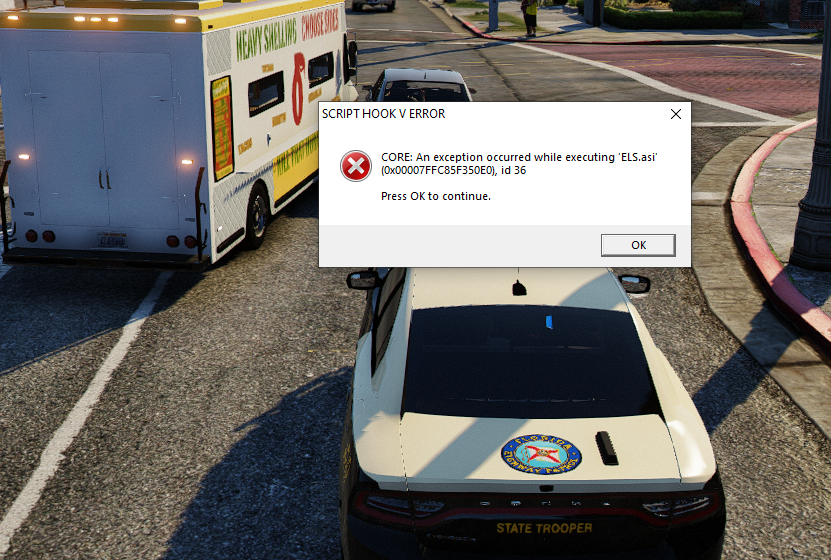
-
RagePluginHook.log
-
 So, I figured it out, by adjusting my packfileadjuster, heapadjuster and my resourceadjjuster, it works fully now. I'm guessing with all mods I have installed the game wasn't getting enough memory to spawn in the vehicles correctly. I now have no issues unless I spawn multiple vehicles (5+) The quality of these are awesome so that's why I was having issues because they are so high poly, badass pack man and excited to see what you do in the future.
- 300 comments
- 22 reviews
-
-

- 1
-
-
 Found the issue 😅 it works fine without the framework that is suggested at first but you DO have to install it for the plug in to continue to work, so it's fixed now. Great mod
 -
.thumb.png.e3052d2a6e989619d77fffda35933d9b.png) @Jack A I hope you don't mind I took your skin and fit it to the 2021 Tahoe that was recently released and added some updates (X logo and American Flag with "In God We Trust") let me know if you want it to include in your pack 🙂
@Jack A I hope you don't mind I took your skin and fit it to the 2021 Tahoe that was recently released and added some updates (X logo and American Flag with "In God We Trust") let me know if you want it to include in your pack 🙂 -
Was working fine since I downloaded it now today it keeps crashing when the plugin is loaded through LSPDFR 🤔
-
Pack is broken for me. Horribly. FPIU doesn't spawn in with any LODs, 2014 Chargers spawn with lightbars floating and skins flickering, and CVPIs all have floating antennas on roof and trunk. Anyone else? Am I doing something wrong or is it just that broken?
- 300 comments
- 22 reviews
-
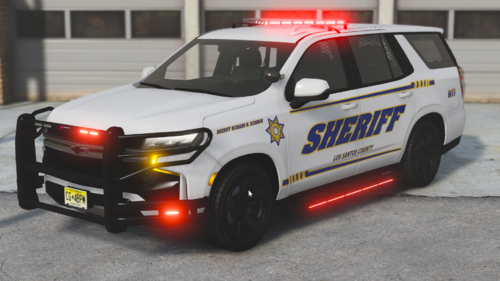 Badass model man. Please, with proper ram bar and lighting 🙏 Also love the fact "TAHOE" isn't on the back liftgate where the STATE TROOPER insignia would be if you did make it.
 -
Bro this was 6 years ago 😅
-
-
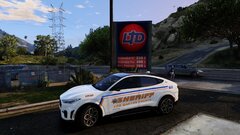
From the album: Random
Don't come for me please, I love diesel and gas vehicles more 🤣 -
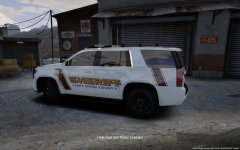 No idea man that was over 4 years ago 😅
 -
-
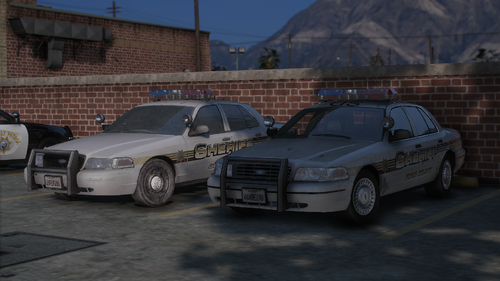 Nice! I didn't know this site existed lol. Thanks 😊
 -
What CVPI are those in screenshots with the MX7000?
-
-
From the album: Random
-
-
Just change everything from Los Santos to Houston
-
-
You said liveries not models.
-
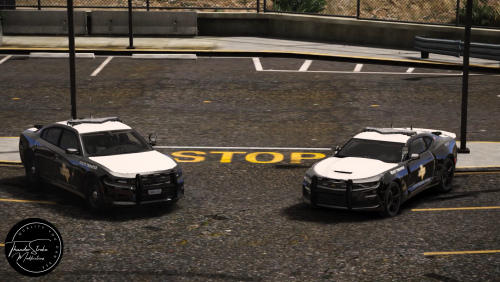 This is more like it @OfficerBenzo
 -

.thumb.png.e3052d2a6e989619d77fffda35933d9b.png)



