



SwiftnessQc
Members
-
Joined
-
Last visited
Everything posted by SwiftnessQc
-
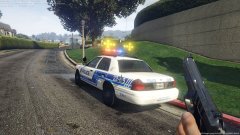
From the album: SwiftnessQc Texture Pictures
- -
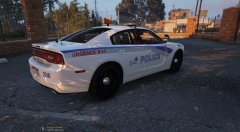
From the album: SwiftnessQc Texture Pictures
Should i release this or no ? Charger by bxbugs texture by SwiftnessQc -
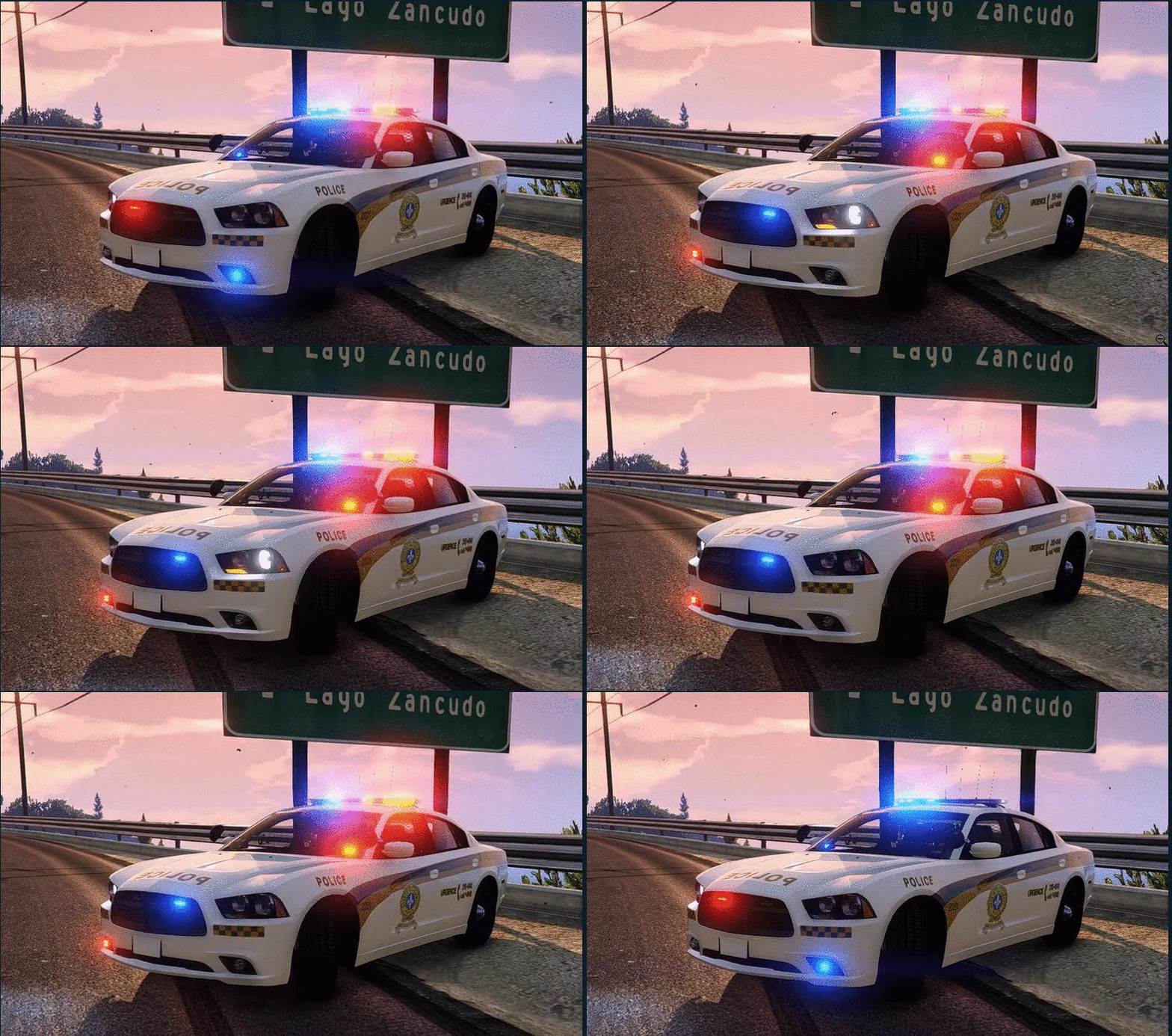 la texture est en 4K , les screenshot jai est pris avec steam ingame resolution 1080P
- 5 comments
- 4 reviews
-
-
Hey , so after a short break i am back with this SQ charger for the amazing model made by BxBugs this one as different liveries , 1 Vaudreuil Soulange 2 Autoroutier and 1 with no logo. How To Install: replace the 4 original textures with the ones provided in the download. (or sheriff if you replaced the sheriff) Using OpenIV go to GTA V > Update > x64 > dlcpacks > patchday3ng > dlc.rpf > x64 > levels > gta5 > vehicles.rpf > police2.ytd and replace the 4 textures . Do Not Reupload This Anywhere Without My Permission !! Credits : BxBugs for the model : Texutre made by SwiftnessQc
- 5 comments
- 4 reviews
-
-

- 1
-
-
-
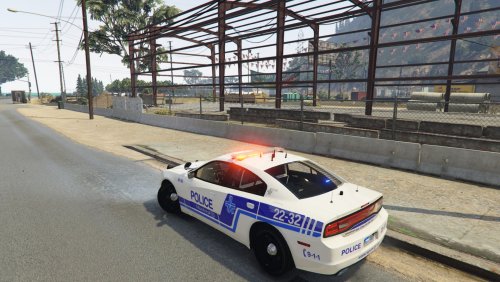 Hey , so after a short break i am back with this SPVM charger for the amazing model made by BxBugs How To Install: replace the 4 original textures with the ones provided in the download. Using OpenIV go to GTA V > Update > x64 > dlcpacks > patchday3ng > dlc.rpf > x64 > levels > gta5 > vehicles.rpf > police2.ytd and replace the 4 textures . Do Not Reupload This Anywhere Without My Permission !! Credits : BxBugs for the model : Texutre made by SwiftnessQc
- 7 comments
- 3 reviews
-
-
- 1
-
-
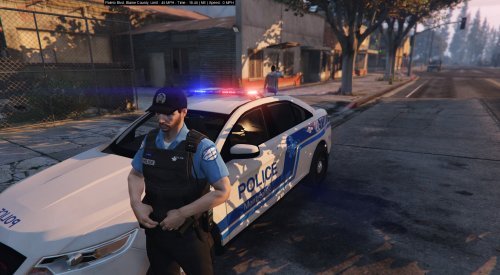 il faut utiliser Skin Control https://www.gta5-mods.com/scripts/skin-control tu te fait ton propre personage et apres tu load luniforme ;)
- 38 comments
- 6 reviews
-
oui javais pris un break jsuis pas mal occuper ces temps si , mais des que je mis remets sa serais pas mal
- 38 comments
- 6 reviews
-
aussi il vien davoir une update du EUP pack je sais pas si ces la cause je vais vérifier
- 38 comments
- 6 reviews
-
make sure you add EUPCLothingMenu.dll to your ragehook startup partie importante , mais il y a peut etre des probleme avec la nouvelle version de gta5 qui cause ce problem
- 38 comments
- 6 reviews
-
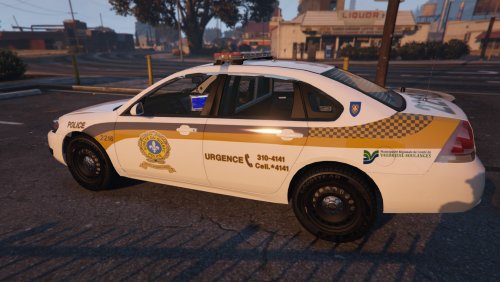 - Updated to 4K (Remade from scratch) - Updated the SQ Logo - Added more liveries - Few other fixes
- 1 comment
- 2 reviews
-
yes i know , but i prefer the blue uniform , i think the black one looks bad so i decided to make the blue one
- 38 comments
- 6 reviews
-
This is my SPVM & SQ pack 0.1 (so kind of like a beta , more updates and improvements to come) First of all thanks to Alex_Ashfold for helping me out and letting me use EUP. Do Not Reupload This Anywhere Without My Permission Requirements Now you will need EUP 7.0 installed first can be found Here and also Skin Control so you can make your own character can be found Here INSTALLATION : once EUP 7.0 is installed go to (installation directory) Mods (if you have a mods folder) > Update > X64 > dlcpacks > eup > and then replace dlc.rpf with the one provided in my download. once that is done go to Plugins and replace EUPClothingMenu.ini with the one provided in this download. make sure you add EUPCLothingMenu.dll to your ragehook startup after you can go ingame (running ragehook) and press F11 to access the model menu. Credits : Alex_Ashfold for original EUP : SwiftnessQc for retexturing in SPVM & SQ Knowned Bug : there is a problem sometimes with the LSPDFR pistol when you take it out the armor desapear only way to prevent that right now is to forceduty or spawn your own pistol with a trainer or skin control. For Single Player Use Only More uniforms to come in the future !
- 38 comments
- 6 reviews
-
-
- 4
-
ouiunsure of what you are talking about , the first 2 pictures are the SPVM and the last 2 are SQits comming soon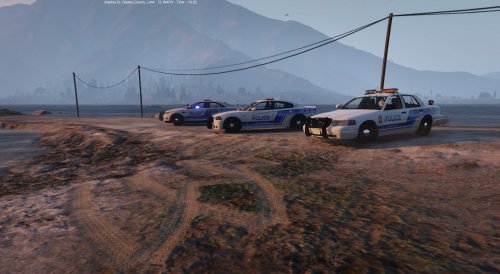 no i wont do an update for that , i made them to be realistic looking like what we have in montreal
- 5 comments
- 3 reviews
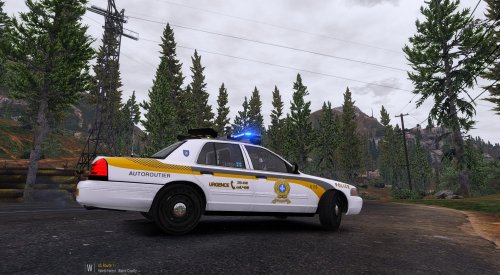 Avec OpenIV va la (mods)>update>x64>dlcpacks>patchday3ng>dlc.rpf>x64>levels>gta5>vehicles.rpf>police.ytd dans ce fichier la il y a des fichier qui sapelle cvpi_sign_1 cvpi_sign_2 cvpi_sign_3 ............... tu les remplace avec mes sign ou sinon peut importe ou tu a remplacer le char va la et ouvre le nom que ta remplace (Example) police.YTD et remplace les cvpi_sign a linterieure
- 12 comments
- 2 reviews
sa te prend le model ici : une fois sa installer utilise OpenIV et va dans (mods)>update>x64>dlcpacks>patchday3ng>dlc.rpf>x64>levels>gta5>vehicles.rpf>police.ytd (ou peut importe ce que tu a remplacer avec le model) et remplace les cvpi_sign_# avec les mien- 12 comments
- 2 reviews
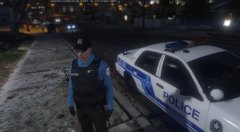 pas de date encore
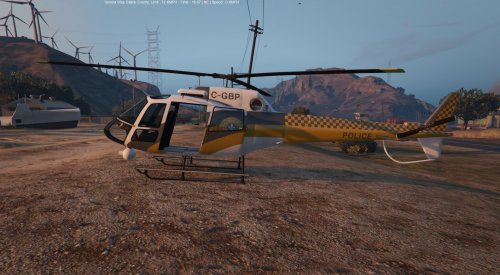 alright this is my version of the Sureté du Québec Helicopter. so first of i know this is not 100% acurate , this is the vanilla model so i tried my best to make it realistic Installation is pretty easy. Using OpenIV Go to (mod)> Update > x64 > dlcpacks > patchday3ng > dlc.rpf > x64 > levels > gta5 > vehicles.rpf and just replace the files included in the download. Do not reupload this anywhere without my permission Credits : Rockstar for the original model Thanks to Yard1 for the template. Texture made by SwiftnessQc
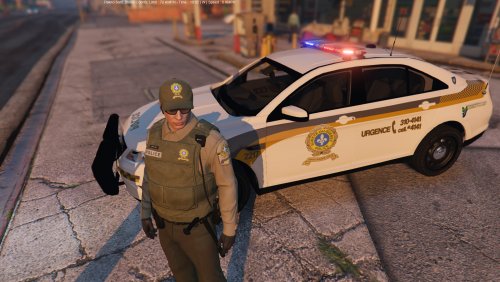 1.3 update : - updated the SQ logo - added Comté de Vaudreuil Soulange logo - added more liveries - few minor fixes
- 4 comments
- 2 reviews

