
Chief Jim Hopper
Members
-
Joined
-
Last visited
Files posted by Chief Jim Hopper
-
Hello Guys.
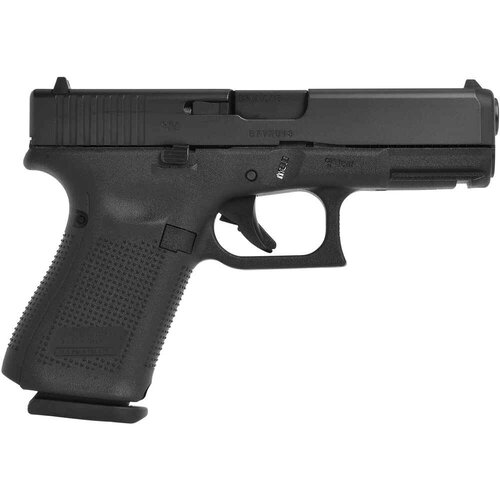
This simple Mod comes with a pure and natural Glock 19 sound.
It replaces the standard original Patrol Pistol with a Glock 19 sound.
Install Instructions:
!!Note!!: To make the sound work properly you have to replace the redsient>weapons.awc too
!!NOTE!! If you use other Sounds for other Weapons, please create your own weapons.oac and just replace the
PTL_PISTOL_SHOT.R.wav sound in your own created weapons.oac!
_______________________________________________________________________________________________________________________________________
WEAPONS PLAYER:
1. Extract the Files somewhere you can find it.
2. Start OpenIV
3. Goto Mods > x64 > audio > sfx > WEAPONS_PLAYER.rpf
4. Enable Edit mode > Right Click on a empty space > Import Open Formats > choose the "ptl_pistol.oac" from the first Folder hit open and okay
_______________________________________________________________________________________________________________________________________
RESIDENT WEAPONS:
Repeat same Steps in the RESIDENT.RPF File
1. Goto Mods > x64 > audio > sfx > RESIDENT.rpf
2. Right Click on empty space > Import Open Formats > Choose "weapons.oac
_______________________________________________________________________________________________________________________________________
You're good to go.
Please rate this Sound and let me know,
if the sound is too quiet or too loud, more or less reverb.
Have a very nice day Officer!
Demo Video:
Please do not upload this file to any other site. Thanks for downloading!
- 4,160 Downloads
- 20 Comments
Updated