


Chief1234
Members
-
Joined
-
Last visited
Everything posted by Chief1234
-
-
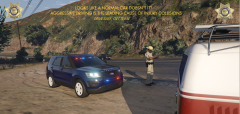
From the album: Project: AZ DPS
-
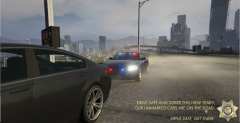
From the album: Project: AZ DPS
-
Its going to be a mass release. I will probably pull the old FPIU download when the pack is released. It will probably be a large pack that I continuously update. There is a lot of vehicles.
-
Maybe later on we can take you up on that. However, first round were trying to do AZ before lore. Get those ones out first and go from there.
-
Thanks, I figured thats what it meant. What does it stand for though? Does it stand for anything?
-
I actually never learned what LORE stood for? Its going to be legitimate.
-
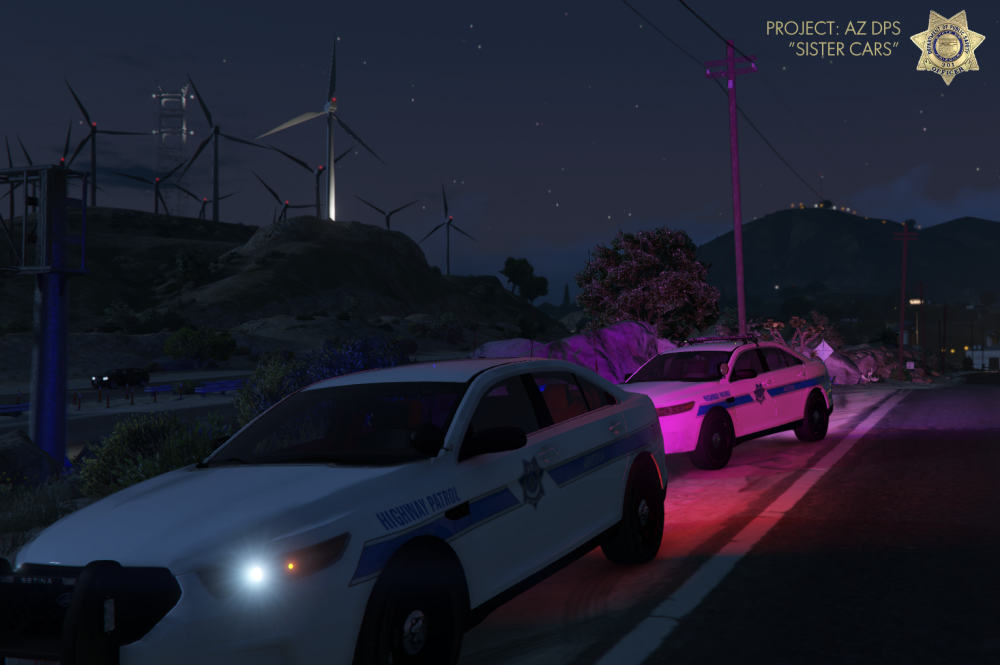
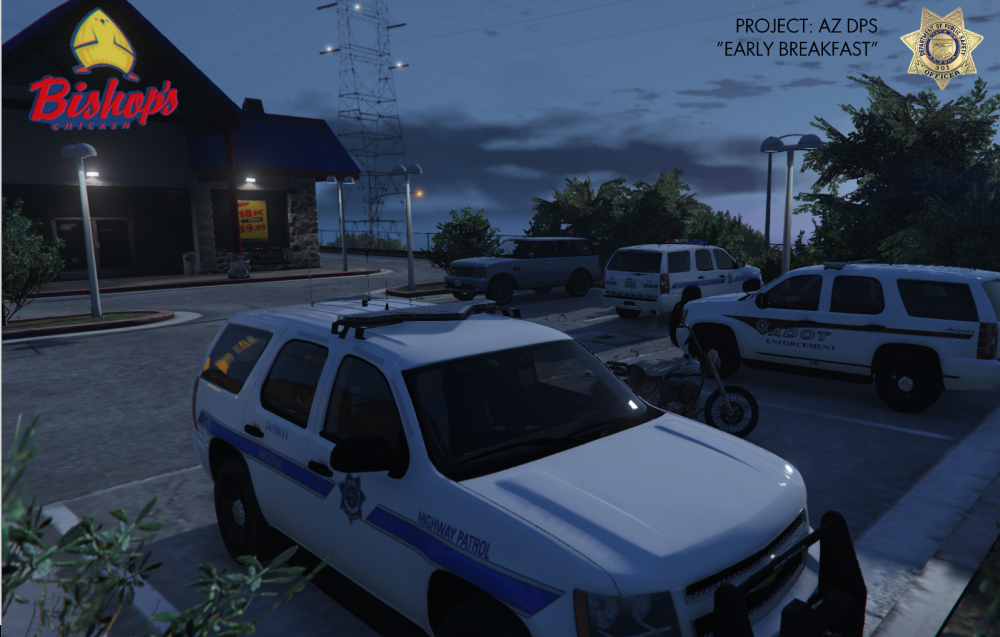
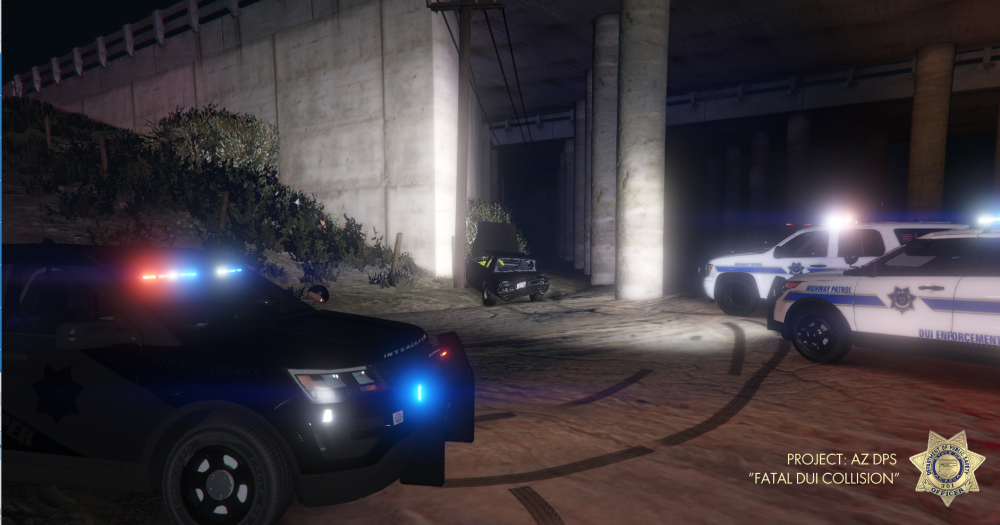
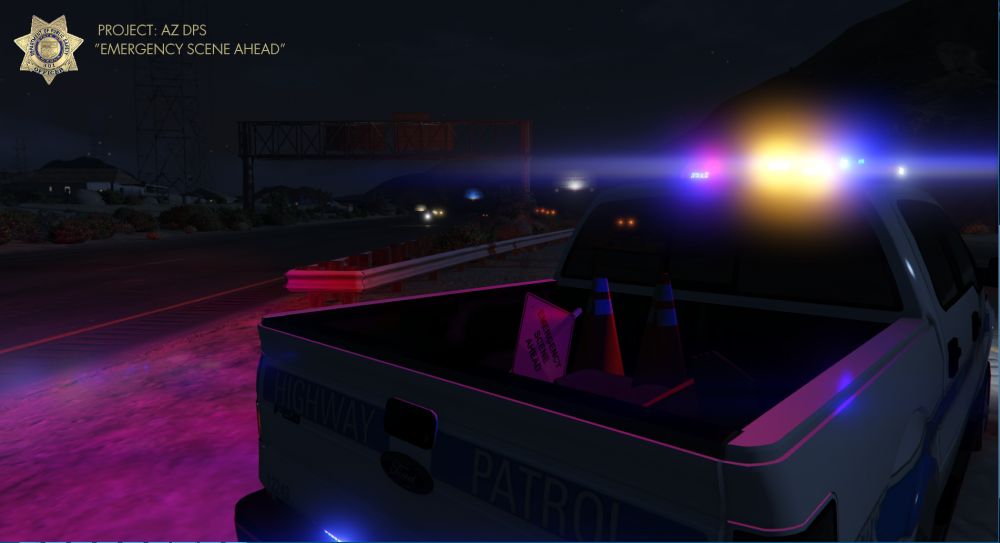
Just a few screenshots of the current state of the project. More screenshots and information available on our project discord! https://discord.gg/n3zpyT9
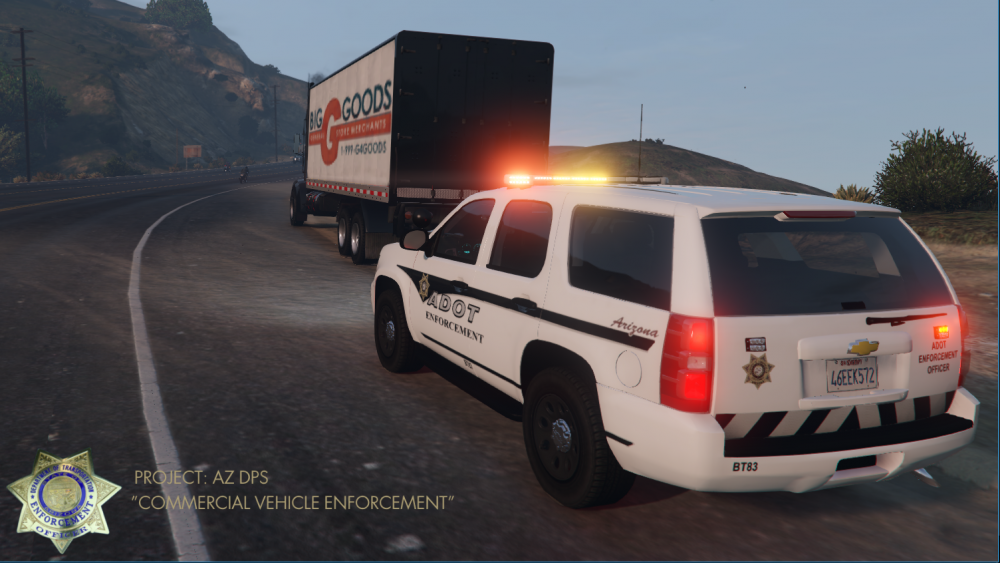
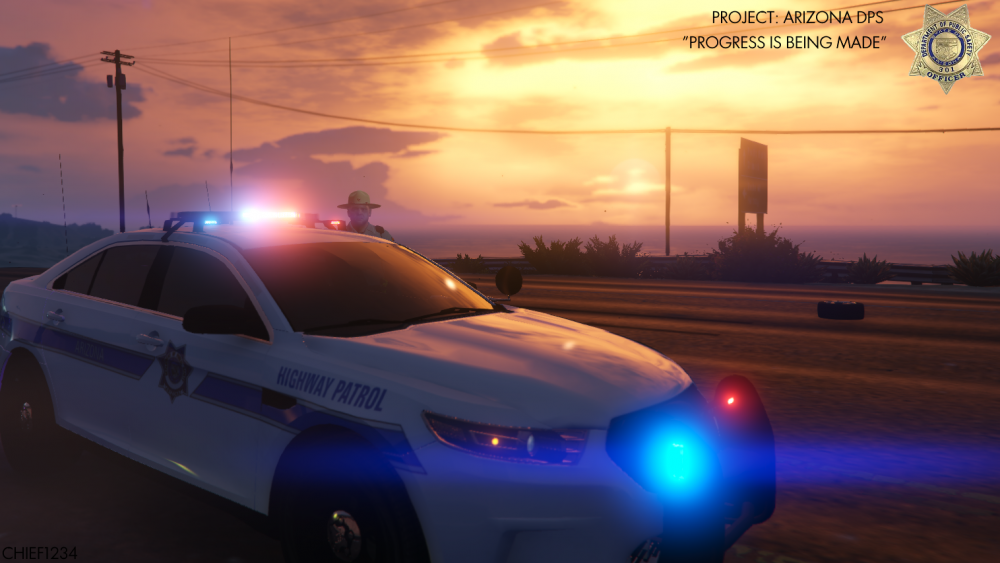
-
Is it bad that I'm working on the models and this is the first time I have looked at this topic? Oh Well.. To give an update to anyone who is interested in this pack. It has not died by any means. We are still working on it, it just takes time and unfortunately time among all three of us developers is very limited these days (..and my game got corrupted..). I do plan on finishing up some more of these models within the coming weeks. As for the giant list above this post of all the things to be completed, I have an update on that as well. Since I handle the vehicles in this pack I can say that just about all of these vehicles and variants have been in some way developed and tested by myself. Some are much further developed than others but they are all in the stages of development (and they take up a ton of space on my computer). I myself as a developer have somewhat high standards for the models I release, I don't want to pass out a sub standard download (other than that COL issue that I have been having...). So it partially slows down development when I find a new way of doing something or some new way to stretch the confines of ELS. I immediately want to test it on a different vehicle and then apply it to the whole 'pack'. So needless to say, the whole project in terms of vehicles is being developed together rather then just one at a time. So please bear with us. If you are interested in this project, interested in possibly testing, or just want updates on when you can download the next vehicle, please follow this topic and our project discord https://discord.gg/n3zpyT9 If anyone has any questions, comments, concerns, suggestions, please send it in the comments below or on the discord so everyone can see it! If this message finds its way to even one person who was interested in this project than it would be a success. Happy modding.
-
-
 Hey @Tacco, I installed everything correctly per the ReadMe file and I cant get any of the incidents to spawn/be dispatched. I tried using the Callout Manager to spawn them and when I do I get an error that says "Failed to Start "drunken person"" and it does this for every scenario. My RAGE and everything is updated however I did notice that when I go on duty all of my plugins except yours gives me a message saying that it has been loaded.
- 221 comments
- 63 reviews
-
Do you have any pictures of your hierarchy in ZMod?
-
-
Keep in mind that you'll get varying answers if you really start diving into it. Every state has different classifications and definitions of Homicide, what degrees they are, etc. and this goes for every crime. In terms of LSPDFR most mods base stuff off of California and LA kind of law so if you want try the California Penal Code. But, that doesn't necessarily mean whoever made whichever mods your using that they based it off of CPC.
-
@flwpheonix Thank you, had that on my L4 LOD. It fixed the export issue but im continuing to get STR Failure 3 ingame.
-
Do you have any pics of your hierarchy and materials browser in ZMod? Also what error is it displaying?
-
It is something you have to do in ZMod. The easiest way to do this is export any Vanilla model, delete everything but the license plate, and then export. Then import it onto whatever model you are creating/using and scale it/move it to fit your model.
-
Go into OpenIV and go to where you want the models to be located. Go into edit mode. Then right click in the blank space and go to New>Texture Dictionary (.ytd). It will ask you what you want to name it, make sure it matches the models you made and click create. Then click on the .ytd you just created and add your textures by clicking the add button in top left hand corner.
-
Hate to bump a topic, but this is still a recurring issue for me. I have in addition to stated above, tried changing the materials from the ZMod 2 to shader material. The only difference is it makes the vehicle able to be exported but the issue remains. The vehicle is also causing an STR Failure when spawning. Importing and reloading textures also has not worked.
-
FIgured it out, it was being applied to the part but not the dummy.
-
I did, I also isolated it.
-
I tried that for the value on RotY and it had no changing effect.
-
Should it be 0,90 or 0.90?
-
Hello, I am making an ELS Arrow board type part and i'm running into the problem of it not opening all the way. Everything works perfectly but it stops halfway. Is there anyway to increase how much the part rotates?
-
I have also tried reinstalling ZMod and the base vehicle used with still no luck. The vehicle causing this issue is the 2017 FPIU recently added to DEV section.





