Skip to content
View in the app

A better way to browse. Learn more.

LCPDFR.com

A full-screen app on your home screen with push notifications, badges and more.

To install this app on iOS and iPadOS
  1. Tap the Share icon in Safari
  2. Scroll the menu and tap Add to Home Screen.
  3. Tap Add in the top-right corner.
To install this app on Android
  1. Tap the 3-dot menu (⋮) in the top-right corner of the browser.
  2. Tap Add to Home screen or Install app.
  3. Confirm by tapping Install.

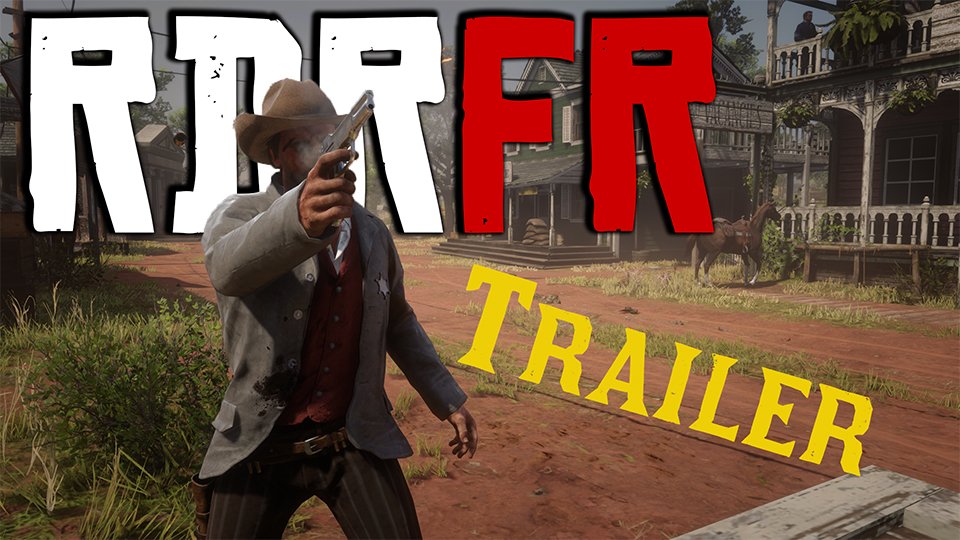
Red Dead Redemption First Response Trailer

Just half a year late, we are happy to release our official trailer for RDRFR!  We hope to make the mod available publicly soon™

Thank you to all of our Patreon subscribers for the support and special thanks to willpv23 for the trailer.


Check it out here:


User Feedback

Recommended Comments

BlueLine Vibes

Members

Any news on an update to all of the constant crashing on calls?  Would love to stream content like this.  People want to see different things rather than LSPDFR all the time.

Join the conversation

You can post now and register later. If you have an account, sign in now to post with your account.

Guest
Add a comment...

Account

Navigation

Search

Search

Configure browser push notifications

Chrome (Android)
  1. Tap the lock icon next to the address bar.
  2. Tap Permissions → Notifications.
  3. Adjust your preference.
Chrome (Desktop)
  1. Click the padlock icon in the address bar.
  2. Select Site settings.
  3. Find Notifications and adjust your preference.