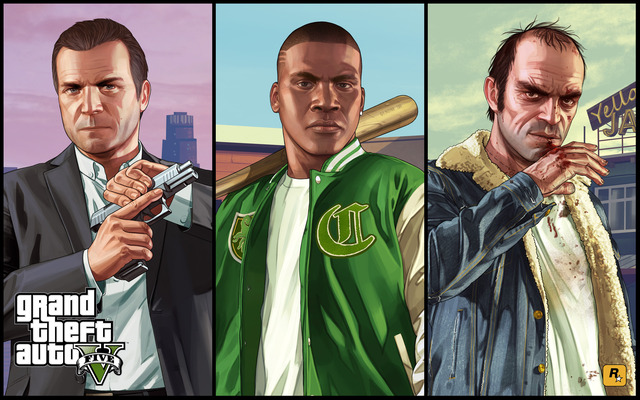
As of 2025, Grand Theft Auto V has sold over 215 million copies, securing its spot as one of the bestselling video games of all time. Despite launching on the seventh generation of consoles, the title has remained relevant for over a decade. Sales figures continue to soar, despite the game recently turning twelve years old. But how?
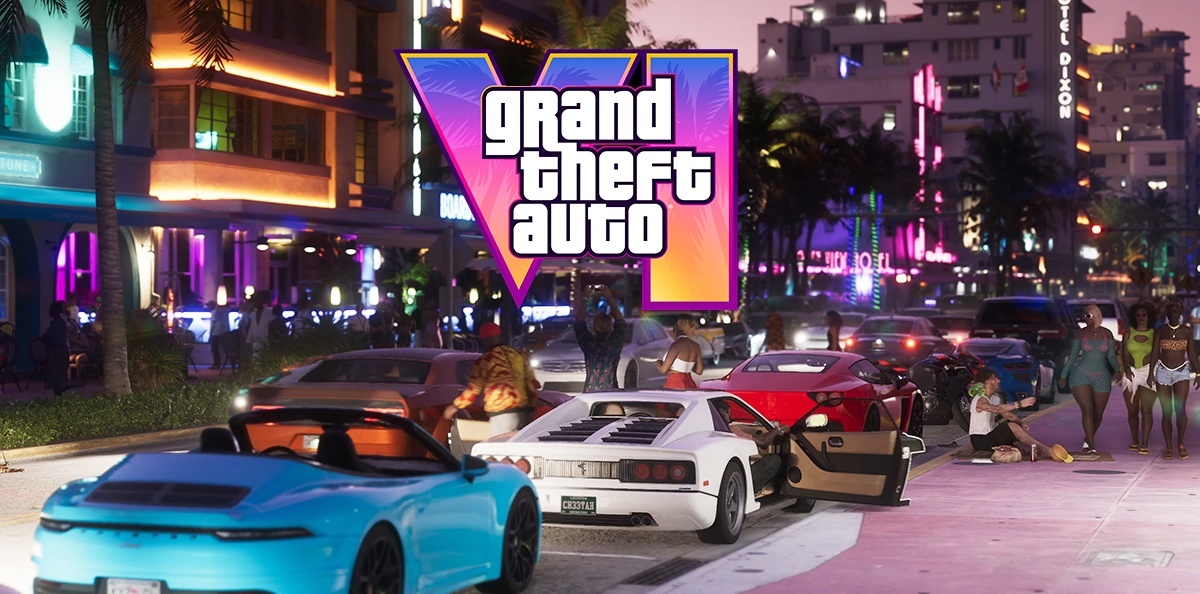
Between suggestions about gameplay mechanics, open-world elements, and more, rumors would have you believe GTA 6 is set to revolutionize the industry in one more ways than one. Although some rumors are more believable than others, the chatter definitely has fans excited about potential features in the game. Here are a few rumored elements that could make or break GTA 6.
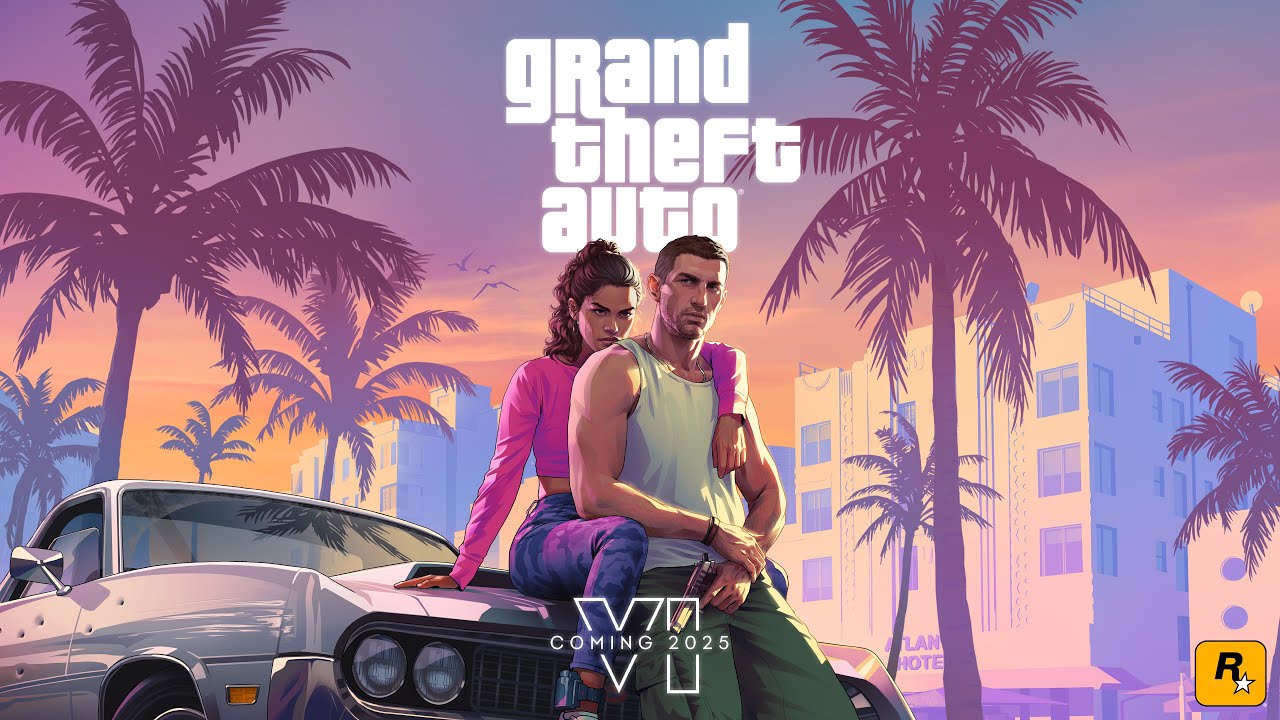
GTA 6 is Rockstar's upcoming blockbuster and will arguably be the biggest game release of all time. The only developer capable of surpassing it is likely Rockstar itself, unless another studio with unlimited resources and veteran talent somehow steps in.
GTA Online is, by far, the biggest success Rockstar Games has ever seen in the industry, showing no signs of slowing down even 12 years after its original release. The fact that GTA 5 has sold upwards of 200 million units remains a testament to GTA Online’s quality and staying power, and with GTA 6 on the horizon, Rockstar Games is undoubtedly expecting to catch lightning in a bottle again, but this is easier said than done.