Skip to content
View in the app

A better way to browse. Learn more.

LCPDFR.com

A full-screen app on your home screen with push notifications, badges and more.

To install this app on iOS and iPadOS
  1. Tap the Share icon in Safari
  2. Scroll the menu and tap Add to Home Screen.
  3. Tap Add in the top-right corner.
To install this app on Android
  1. Tap the 3-dot menu (⋮) in the top-right corner of the browser.
  2. Tap Add to Home screen or Install app.
  3. Confirm by tapping Install.
We're performing changes on our download infrastructure. During this time, you may encounter downloads failing to complete or start. Thank you for your patience.

GTA5 News

598 stories in this category

    • 0 comments
    • 733 views
  1. G17 Media ·
    The GTA 5 Expanded & Enhanced Edition is coming on March 15, 2022, for PS5 & Xbox Series X|S, along with the Standalone version of GTA Online. On this page, you find all the enhancements and upgrades that have been confirmed for the Expanded & Enhanced edition of GTA 5 & GTA Online.
    • 0 comments
    • 1,359 views
  2. G17 Media ·
    Grand Theft Auto V and Grand Theft Auto Online will come to the PlayStation 5 and Xbox Series X|S platforms this coming March 15, bringing new graphics modes with up to 4K resolution, up to 60 frames per second, texture and draw distance upgrades, HDR options and ray-tracing, faster loading times, immersive 3D audio, platform-specific features like advanced haptic feedback, and much more.
    • 0 comments
    • 383 views
    • 0 comments
    • 525 views
  3. G17 Media ·
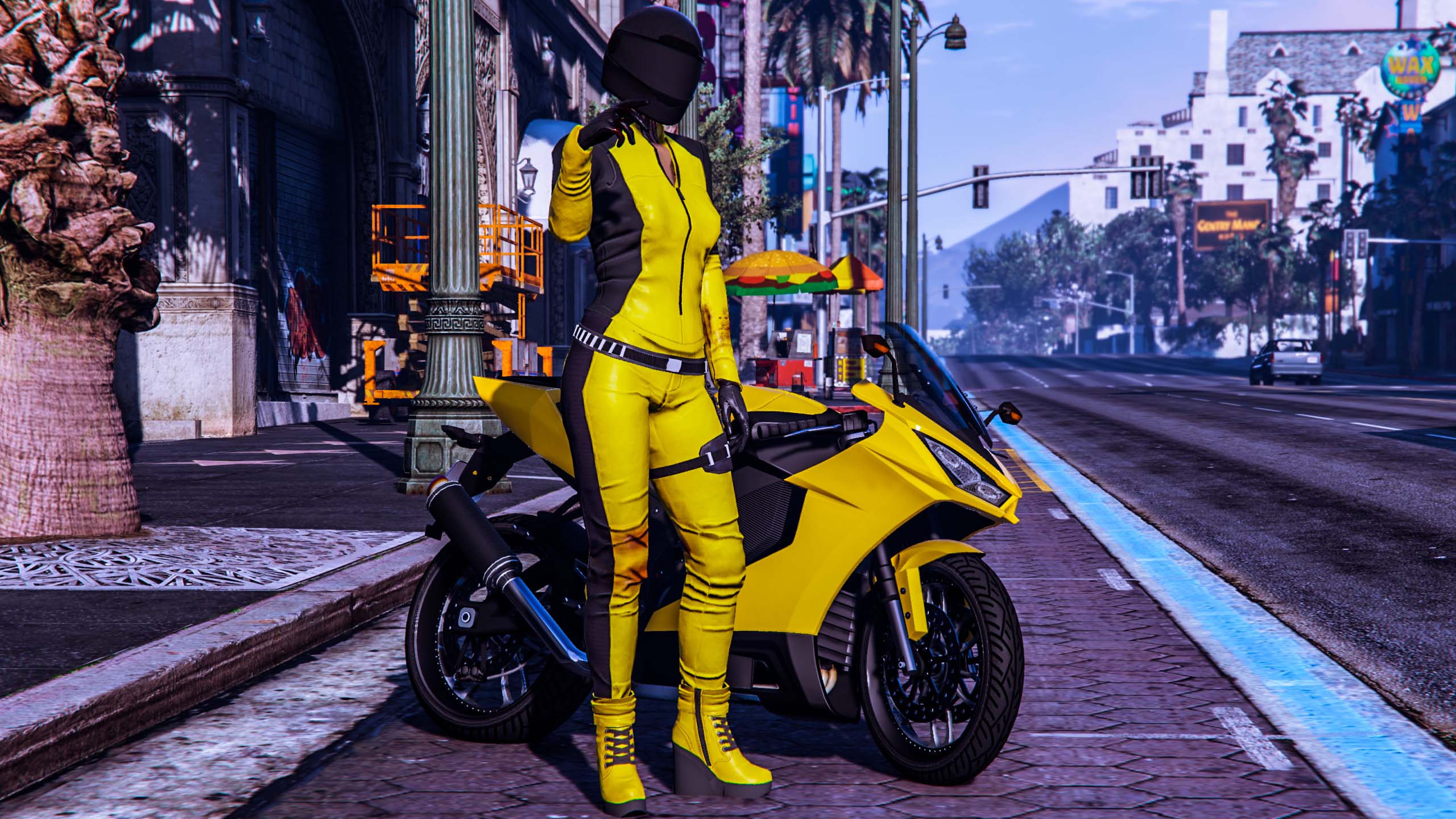
    Photo by @Radiage_Ht on Twitter
    • 0 comments
    • 426 views
  4. G17 Media ·
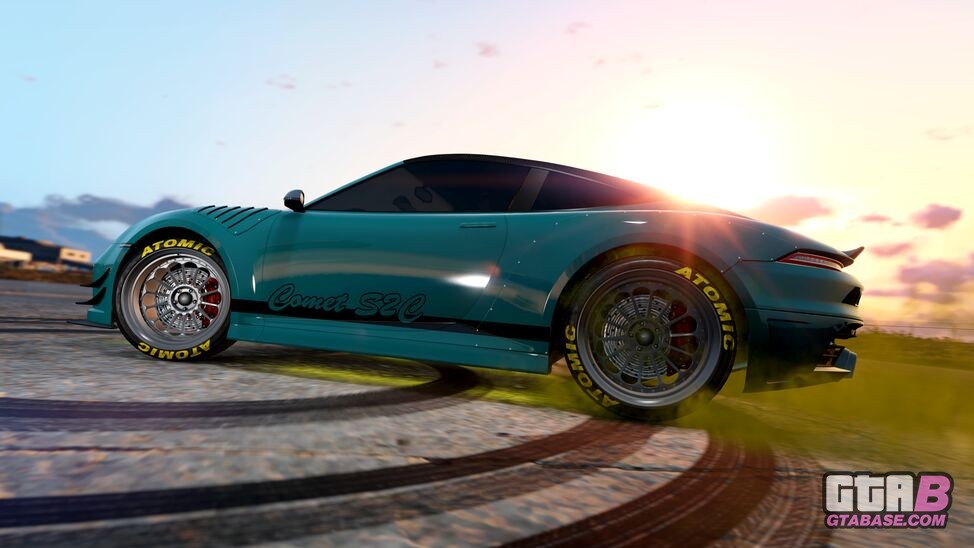
    The new Comet S2 Cabrio is now available for purchase in GTA Online!
    • 0 comments
    • 382 views
  5. G17 Media ·
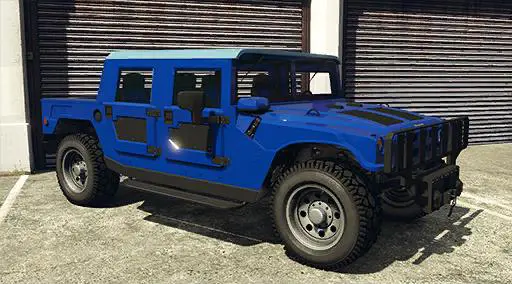
    The new Mammoth Patriot Mil-Spec is now available to purchase in GTA Online!
    • 0 comments
    • 473 views
  6. G17 Media ·
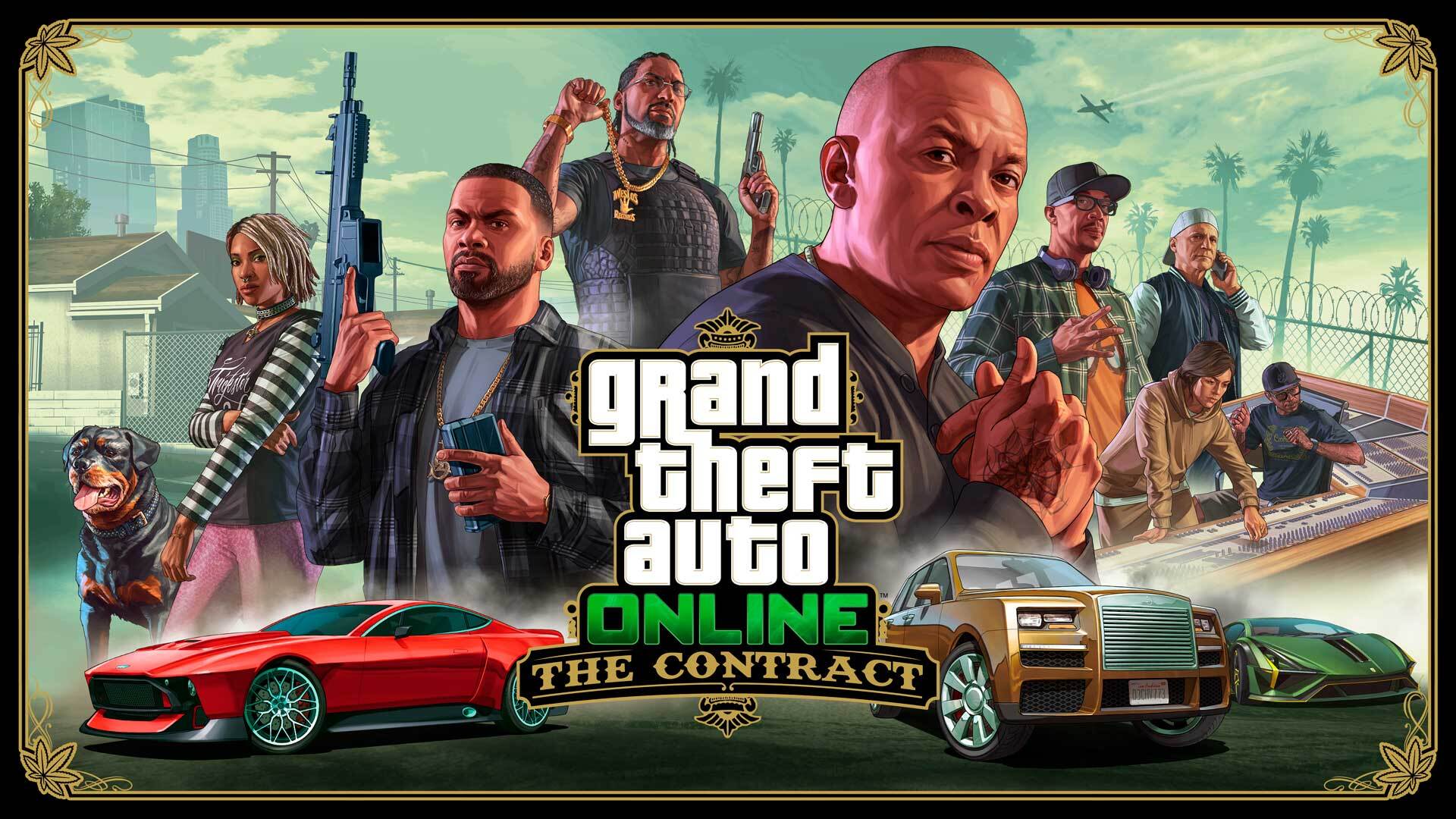
    The brand-new update to GTA Online, The Contract is OUT NOW!
    • 0 comments
    • 1,169 views

Account

Navigation

Search

Search

Configure browser push notifications

Chrome (Android)
  1. Tap the lock icon next to the address bar.
  2. Tap Permissions → Notifications.
  3. Adjust your preference.
Chrome (Desktop)
  1. Click the padlock icon in the address bar.
  2. Select Site settings.
  3. Find Notifications and adjust your preference.