


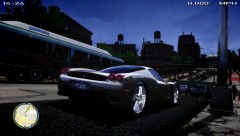

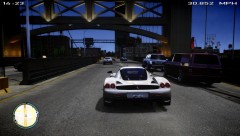
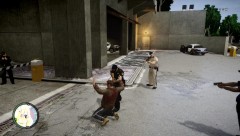
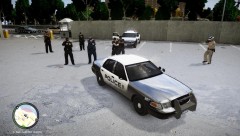
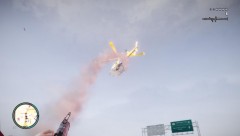
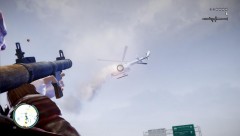
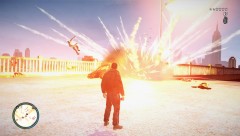
Liberty City State Most Wanted Niko Bellic Led the LCPD and LCSP on wild chase and leaves more than 100 officers Dead.
- 2,182 views
- View ASTTrprDillon95's images
Today, the state's most wanted person, Niko Bellic, led the LCPD and LCSP on a wild goose chase. The chase lasted for 7 hours which led to the arrest of Niko and the death of at least 100 officers. Armed with M4s and Glock 20s the PD and SP chase Niko through Hove Beach, Alderney State and Middle park. Niko was well prepared for this after the crimes he committed for the last few years. He was armed with numerous RPGs, Grenades, M4s and Glock 20s. On Plumbers skyway, Niko took his first victim. Explosions was continuous. The LCPD commissioner said, "Niko took matters to his own hands. He led officers on a wild chase, killing them even. He used grenades on the officers cars. explosions occurred one after another. He used the RPGs to take town the helicopters. He is a heartless man." As of now, the LCPD has confirmed a death toll of 60 patrol officers, 13 Tactical Response Team Officers and 3 Detectives. The LCSP confirmed that the death toll on their side was 24 troopers. Niko Bellic has already been formally charged and will face the jury in a few weeks time. The LCDPS has responded to this incident by expressing their regret for not ensuring the safety of many of the officers. They also said that they did not handle the Niko Bellic case well and regret that the incident happened and that they were to be blamed for it's occurrence. More To Come.
Recommended Comments
Join the conversation
You can post now and register later. If you have an account, sign in now to post with your account.