






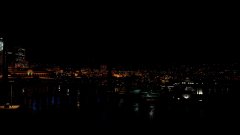

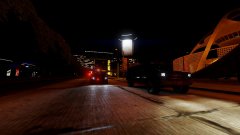


Do you want to dance in the beauty of the night?

By Reddington
- 396 views
- View Reddington's images
Night time is calm, peaceful, quiet. The only noise you hear is that of the wind or fellow night animals such as the beautiful owl. The dark can bring on peace and a level of calm you didn't think was possible. If you want to experience the city without a plethora of cars and pedestrians, cruise around after midnight, or better yet around 2-3am when everyone is tucked into bed with no thoughts of being out. Enjoy the silence, the beauty, and the cool breeze of the late night.
Recommended Comments
Join the conversation
You can post now and register later. If you have an account, sign in now to post with your account.