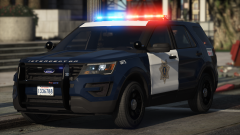
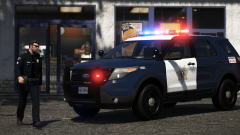
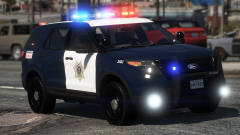
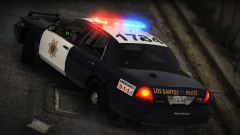
Retro BCSO FPIS Share https://www.lcpdfr.com/gallery/image/93887-retro-bcso-fpis/ Share on Facebook Share on X {lang="reddit_text" More sharing options... Followers Pack is complete. Will either be removing the pushbars or making them permanent since I'm having trouble making them randomly spawn. Should be released before I head back to school in a week Credit Black Jesus Copyright © Black Jesus
TYPD Members January 10, 20188 yr Author stats @Black Jesus Your alive 'bout damn time, you release this.










Recommended Comments
Join the conversation
You can post now and register later. If you have an account, sign in now to post with your account.