


My Way, or the Skyway

By Hullian111
- 1,519 views
- View Hullian111's images
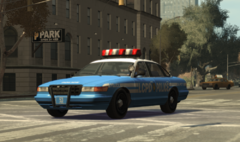
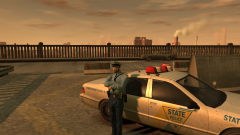
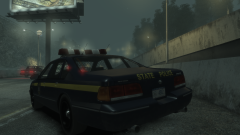
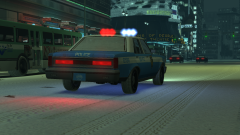
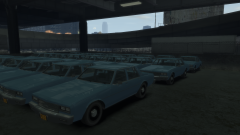
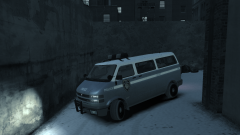
Another project about to be released! Just need to put in three more liveries, and I'm done. With thanks to Kalleboston for the crest help.
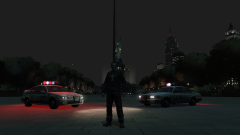
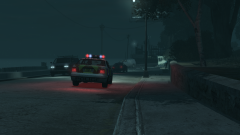
An Alderney State Police officer waits for a breakdown team to arrive on the Plumber's Skyway, where one unlucky driver broke down in the middle of the road, finding himself both unable to move and ticking off the temper of the state troopers along the Skyway. Traffic backed up along that road for quite some distance due to the breakdown, delaying the truck even more.
Credit
Kalleboston for the ASP crest
Copyright
© Hullian111
Recommended Comments
Join the conversation
You can post now and register later. If you have an account, sign in now to post with your account.