


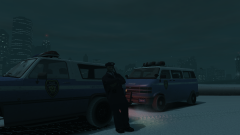
Have a Merry Christmas.

By Hullian111
- 917 views
- View Hullian111's images
Technically, it's Festivus. I've had a whole lot of problems about this year, and now, you're going to hear about it!
This year, I've had many ups, and many downs. From the start of the year, despite the upcoming GCSE exams, life had felt pretty fine - I had quite possibly the best day of my life, I went to prom and lived it up, and I've got (almost) the results I've wanted. But since I've started college, and with recent events such as the Manchester bombings, Grenfell, and with personal problems such as trying not to get my disability allowances stripped unfairly, I've been feeling pretty down and out lately, and it really showed on Friday. Maybe the winter blues have finally caught up with me.
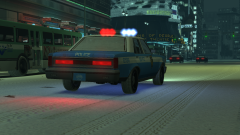
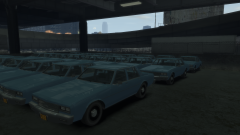
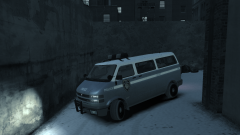
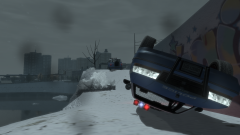
But with the end of the year coming soon, maybe next year will be a fresh, more uphill start. Sure, I'll miss school, and sure, it hurts to see what's going on around the world sometimes, but maybe, 2018 won't be so bad. And in terms of GTA modding and all, I'm planning on getting a few more mods out before the winter season is done. I would just like to share to this community, even though it sometimes seems that I don't stick around in it very often, that I feel pretty good about being here, especially now that I have learned to screenshot and publish my little fantasies in the gallery. It sort of feels like I'm putting myself out there on the internet for once, and in a good way. It's the sort of thing that makes me come back to GTA modding, even though I can't play GTA V because I broke it.
And with that, I wish you all a Merry Christmas, and a Happy New Year.

Recommended Comments
Join the conversation
You can post now and register later. If you have an account, sign in now to post with your account.