



Agency Assist

- 466 views
- View DefenderOfThisHouse's images
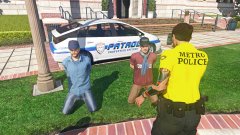
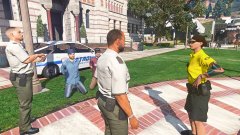
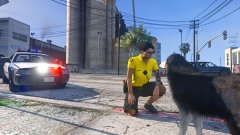
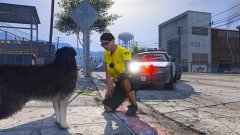
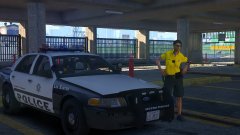
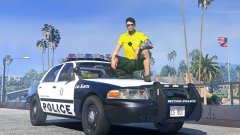
Two male individuals that attend ULSA were detained by security after receiving reports of illegal activity. Both males admitted to possessing and smoking drug paraphernalia (what officers believed to be a substantial amount of marijuana). While both males also possessed medicinal marijuana cards, campus policy still does not permit it. Both males were photographed and issued notices of trespass per request by the school administration.
Credit
Models by Jed
Copyright
© DOTH
Recommended Comments
Join the conversation
You can post now and register later. If you have an account, sign in now to post with your account.