Skip to content
View in the app

A better way to browse. Learn more.

LCPDFR.com

A full-screen app on your home screen with push notifications, badges and more.

To install this app on iOS and iPadOS
  1. Tap the Share icon in Safari
  2. Scroll the menu and tap Add to Home Screen.
  3. Tap Add in the top-right corner.
To install this app on Android
  1. Tap the 3-dot menu (⋮) in the top-right corner of the browser.
  2. Tap Add to Home screen or Install app.
  3. Confirm by tapping Install.

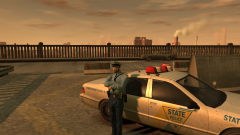
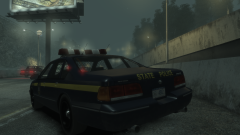
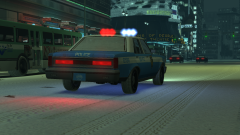
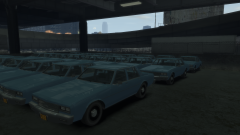
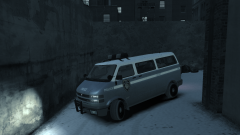
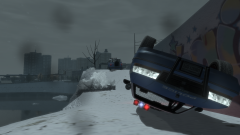
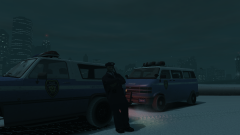
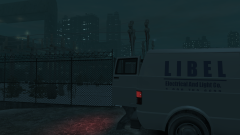
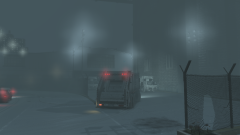
It's Christmas Eve again...in the drunk tank...

Another Christmas, another few nights of kicking out the rowdy drunks. It's a job every officer hates to do, especially in a precinct where it is almost impossible to reverse in the snow, and with no funding for the LCPD choir, the bells certainly won't be ringing out in Liberty City.

Copyright

© Hullian111

From the album:

Hullian111's Gratuitous Misadventures

· 66 images

Account

Navigation

Search

Search

Configure browser push notifications

Chrome (Android)
  1. Tap the lock icon next to the address bar.
  2. Tap Permissions → Notifications.
  3. Adjust your preference.
Chrome (Desktop)
  1. Click the padlock icon in the address bar.
  2. Select Site settings.
  3. Find Notifications and adjust your preference.