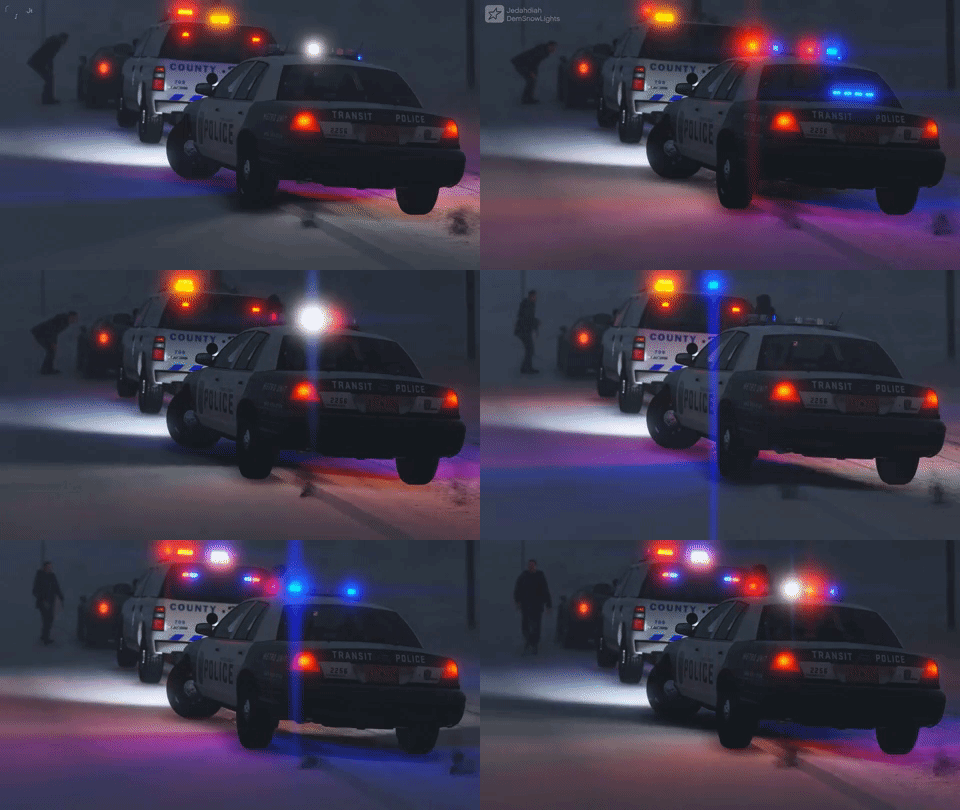
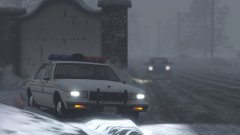
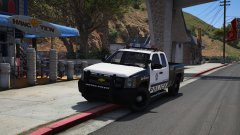
North Yankton Blizzard Blues Share https://www.lcpdfr.com/gallery/image/92665-north-yankton-blizzard-blues/ Share on Facebook Share on X {lang="reddit_text" More sharing options... Followers Been playing around with DRO2 again. Borrowed 11john11's lightbar and ELS'ed it and stuck it on Lundy's 1989 Caprice. Fairly decent car, minimal lighting, nice interior. All in all, it was a good test vehicle. Credit 11john11 for lightbar, Lundy for Caprice Copyright © Jedahdiah
Jedahdiah Members December 1, 20178 yr Author stats Judging by the way they're sliding all over, I doubt it ;)









Recommended Comments
Join the conversation
You can post now and register later. If you have an account, sign in now to post with your account.