




Sparks will fly

By DukSezQuak
- 943 views
- View DukSezQuak's images
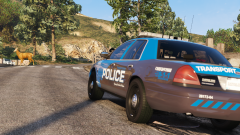
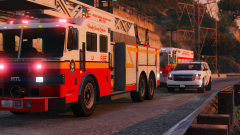
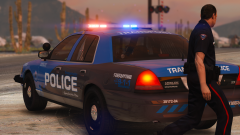
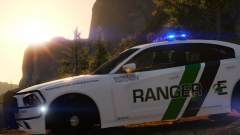
An Elkridge State Railways and Transportation officer witnesses sparks coming from the opposite end of a railway crossing while patrolling. The train activated its emergency brakes and stopped down the line; once the train cleared the crossing, the officer spotted a vehicle on the other side with heavy front end damage.
It's suspected that the operator of the vehicle had stopped too closely to the railway crossing, and then proceeded to check their phone which resulted in them releasing their brakes slightly enough to roll into the train car.
There were no injuries, however there was heavy damage to the vehicle as well as a few of the rail cars. The operator was charged with driving while distracted by a mobile device, failing to stop before a stop line, and damage to railway property.
This same train crossing was the scene of a fatal collisions a few days prior to this incident; the Minister of Transportation is investigating ways to enhance warnings for the crossing, in addition to the existing crossing gates and alarms that are already present.
Recommended Comments
Join the conversation
You can post now and register later. If you have an account, sign in now to post with your account.