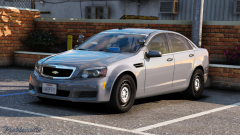
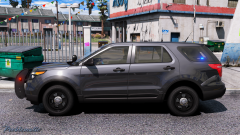
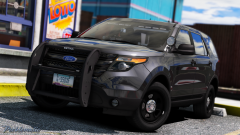
We’ve been trying to ease our filthy souls Share https://www.lcpdfr.com/gallery/image/90848-we%E2%80%99ve-been-trying-to-ease-our-filthy-souls/ Share on Facebook Share on X {lang="reddit_text" More sharing options... Followers We’ve been listening to my radio ♫ Caprice by Cj24 over on his website. Not sure if it's against the rules to link out to a third party website? The url goes something like modding-forum.figurethispartoutyourself Credit the lord him self, elon musk Copyright © okay, I've copied right, now what?
Chappie Members October 7, 20178 yr Author stats 2 minutes ago, Deputy Brand said: That picture is damn awesome thanks papi









Recommended Comments
Join the conversation
You can post now and register later. If you have an account, sign in now to post with your account.