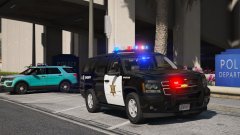
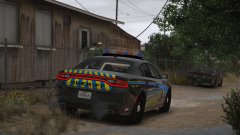
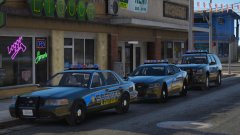
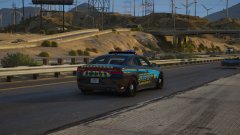
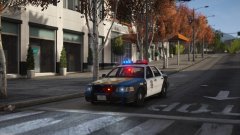
My perp, I got first dibs. Share https://www.lcpdfr.com/gallery/image/89861-my-perp-i-got-first-dibs/ Share on Facebook Share on X {lang="reddit_text" More sharing options... Followers I'm going away for a while.... bye! I'll get onto sorting these vehicles when I come back, along with releasing/ ELS-ing my old-style caprices. Skin by BradM, modified to Blaine County Sheriff's Dept. for my own personal use.
Reddington Members September 9, 20178 yr Author stats This Charger looks very sexy! Too bad that skin is personal, I love it as well. :P
Jedahdiah Members September 9, 20178 yr Author stats 40 minutes ago, Kallus Rourke said: This Charger looks very sexy! Too bad that skin is personal, I love it as well. :P It's on all my sheriff vehicles. I might ask BradM about it.... 25 minutes ago, Mags said: Lurking.. Go on, get out here you! Scat! *bangs trash can lids together*






Recommended Comments
Join the conversation
You can post now and register later. If you have an account, sign in now to post with your account.