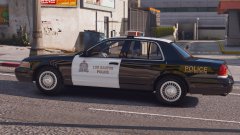
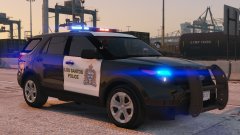
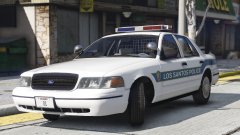
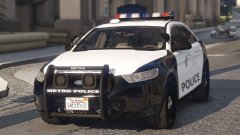
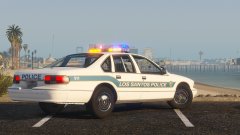
FPIU Share https://www.lcpdfr.com/gallery/image/88549-fpiu/ Share on Facebook Share on X {lang="reddit_text" More sharing options... Followers After returning from vacation this is what I've come up with! License plates will be added. (The pushbar and spotlights are extras.)I'm taking a break on the 90s pack for now so I can return to it to make it the best it can be.
TYPD Members August 4, 20178 yr Author stats @RobertTM Can you add a light-head in the fog light housing?
RobertTM Members August 4, 20178 yr Author stats 5 hours ago, Problematic said: Looks awesome Robert! Thank you :D 1 hour ago, Dom315 said: @RobertTM Can you add a light-head in the fog light housing? I may or may not, the front already has lots of lights and I don't want this to be a complete christmas tree. 38 minutes ago, Play3r2 said: waaaaaaaaaaaaaaaaaaaaaaaaaaaaant Soon™
RobertTM Members August 4, 20178 yr Author stats 17 minutes ago, Maurice97 said: Love it :D Thanks! 2000th like :D
xDZYx Members August 4, 20178 yr Author stats 17 minutes ago, RobertTM said: Thanks! 2000th like :D damn didnt see that :D Thanks :D


.jpg.bbb6d2d0211d69dcbc8551e5a00a4fbd.jpg "FPIU")


.jpg.f1c0012236f7040d4e0c494f811e5d5e.jpg)
.jpg.a617554991439bee437055c281ef0f0b.jpg)


Recommended Comments
Join the conversation
You can post now and register later. If you have an account, sign in now to post with your account.