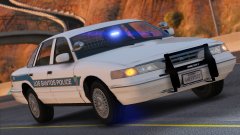
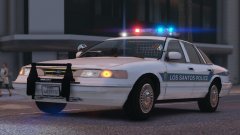
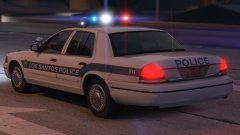
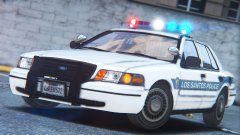
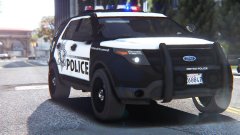
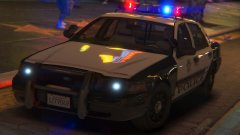
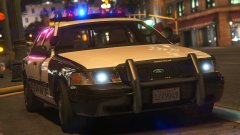
Running in the 90s! Share https://www.lcpdfr.com/gallery/image/86611-running-in-the-90s/ Share on Facebook Share on X {lang="reddit_text" More sharing options... Followers After a break from modeling I've began working on a 1990s LSPD pack to accompany my sheriff one of the same era! This pack is going to include a Caprice, 96 Vic, 99 Vic (pictured) and maybe an unmarked car if I can find some equipment. Some more pictures:
RobertTM Members June 26, 20179 yr Author stats 3 minutes ago, Lundy said: Use this one. My old one is a pos. Alright! To change it to a 99, would I only need to recolor the trim and grill?
Deactivated Member Deactivated June 26, 20179 yr Author stats 2 minutes ago, RobertTM said: Alright! To change it to a 99, would I only need to recolor the trim and grill? Grille, bumper trim (not the boot trim), and the door handles.
RobertTM Members June 26, 20179 yr Author stats 4 minutes ago, Lundy said: Grille, bumper trim (not the boot trim), and the door handles. Thanks!


.jpg.d3ff30822bb5a195f00dbdb14e72dab4.jpg)


Recommended Comments
Join the conversation
You can post now and register later. If you have an account, sign in now to post with your account.