


.jpg.fd7998d49bf66e96e18179039caaeb1b.jpg "Update!")
.jpg.36214ccc172fa59885d1233cbe009b9e.jpg)
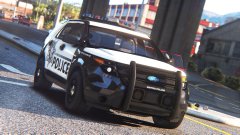
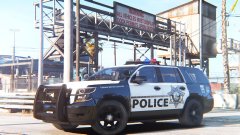
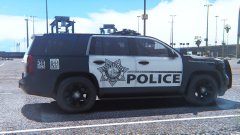
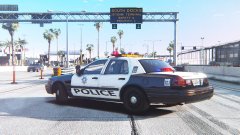

By RobertTM
- 1,754 views
- View RobertTM's images
After not posting any updates for a few days I posted this to give everyone an idea of where the pack is in development.
All cars shown below have working takedowns.
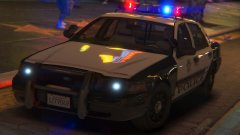
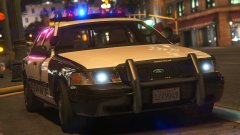
The CVPI is done with just minor bug fixes left to do, instead of the two versions with different visions I have decided to do one with an LED signalmaster texture. An example below:

The Tahoe is also done and awaiting it's final touches.

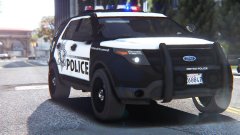
The FPIU is finished and now has rear lighting, but I cannot figure out how to make the glass break unfortunately, but I'll keep experimenting with it.

The Bearcat, Slicktop Vic and Charger still need to be worked on, as well as Carcols, Carvariations and Vehicles.metas.
Recommended Comments
Join the conversation
You can post now and register later. If you have an account, sign in now to post with your account.