Due to overzealous filtering on Microsoft’s side, some emails to Outlook and Hotmail addresses may not be delivered. If you’re affected, please use a different email address or try again later.
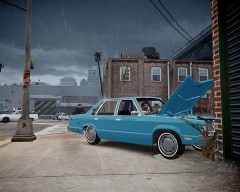
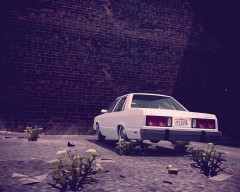
Early-Mid 1980s, a parking in the West Side at morning, near the old docks. Stuck in the window of the car the photographer could appreciate a note saying "no radio inside", anyway, in the case of thiefs target the car, they would probably find another thing that make them break the glass...





Recommended Comments
Join the conversation
You can post now and register later. If you have an account, sign in now to post with your account.