Skip to content
View in the app

A better way to browse. Learn more.

LCPDFR.com

A full-screen app on your home screen with push notifications, badges and more.

To install this app on iOS and iPadOS
  1. Tap the Share icon in Safari
  2. Scroll the menu and tap Add to Home Screen.
  3. Tap Add in the top-right corner.
To install this app on Android
  1. Tap the 3-dot menu (⋮) in the top-right corner of the browser.
  2. Tap Add to Home screen or Install app.
  3. Confirm by tapping Install.

Masterson St. - Shots Fired

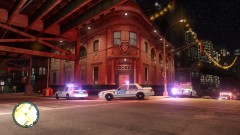
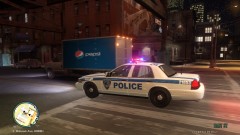
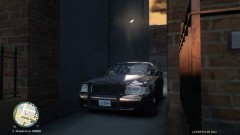
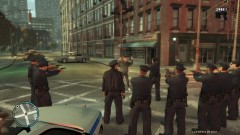
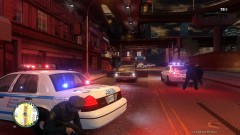
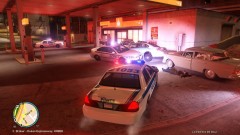
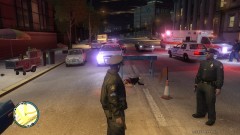
Officers were in pursuit of a bait-car headed south across Broker; the vehicle was involved in a collision on Masterson St. and the occupant pulled a firearm. Officers opened fire, killing the subject. Down the street, a pedestrian wielding a shotgun then jumped out of his Dodge Aspen and began to fire upon officers.

  • From the album:

    LCPDFR Escapades

    · 117 images

    Account

    Navigation

    Search

    Search

    Configure browser push notifications

    Chrome (Android)
    1. Tap the lock icon next to the address bar.
    2. Tap Permissions → Notifications.
    3. Adjust your preference.
    Chrome (Desktop)
    1. Click the padlock icon in the address bar.
    2. Select Site settings.
    3. Find Notifications and adjust your preference.