Skip to content
View in the app

A better way to browse. Learn more.

LCPDFR.com

A full-screen app on your home screen with push notifications, badges and more.

To install this app on iOS and iPadOS
  1. Tap the Share icon in Safari
  2. Scroll the menu and tap Add to Home Screen.
  3. Tap Add in the top-right corner.
To install this app on Android
  1. Tap the 3-dot menu (⋮) in the top-right corner of the browser.
  2. Tap Add to Home screen or Install app.
  3. Confirm by tapping Install.

Alarms.

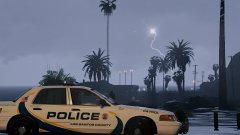
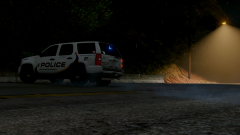
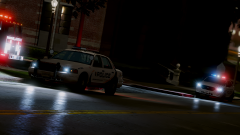
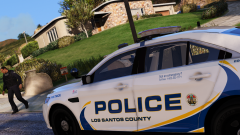
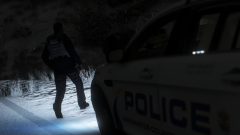
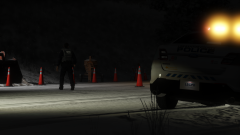
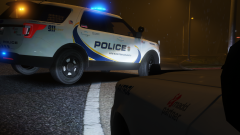
Los Santos County Police and City Fire Crews at the ULSA around 4AM for a manual fire alarm activation on Monday.


Police found that an intoxicated male left his dorm room and pulled a fire alarm pull station "on his way down," as some would say (meaning, he fell..)


The male was charged with intoxication in public, and activating an emergency alerting system with false intentions.

  • From the album:

    Termination Media

    · 223 images

    Account

    Navigation

    Search

    Search

    Configure browser push notifications

    Chrome (Android)
    1. Tap the lock icon next to the address bar.
    2. Tap Permissions → Notifications.
    3. Adjust your preference.
    Chrome (Desktop)
    1. Click the padlock icon in the address bar.
    2. Select Site settings.
    3. Find Notifications and adjust your preference.