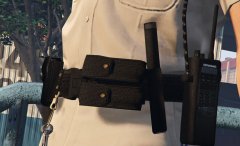
Best of both worlds Share https://www.lcpdfr.com/gallery/image/78160-best-of-both-worlds/ Share on Facebook Share on X {lang="reddit_text" More sharing options... Followers **IT'S THE SAME STUFF FOR FEMALES, SO DON'T BOTHER THANK** **Disclaimer the size of the ASP baton for SAHP/SASP in this picture is not the actual size, there was an error during the photoshooting, refer to other pictures for the size** Credit Alex Ashfold Copyright © EUP Team
PhillBellic Members January 24, 20179 yr Author stats Cool Beans. Badges are on the wrong side, though...













Recommended Comments
Join the conversation
You can post now and register later. If you have an account, sign in now to post with your account.