


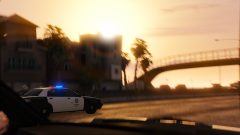
A night of mourning, for the SAHP.

By DukSezQuak
- 683 views
- View DukSezQuak's images
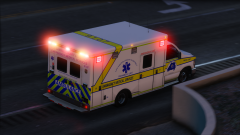
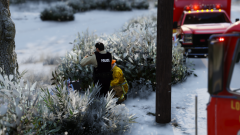
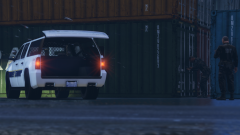
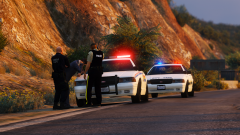
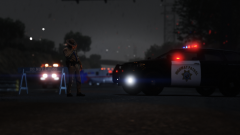
Tonight was busy, and stressful for the San Andreas Highway Patrol. Rainy, cold, and windy, a San Andreas Highway Patrol Officer stands, guarding traffic where behind him, is the scene where a SAHP Patrolman was struck by a vehicle, and killed, while working on a traffic stop.
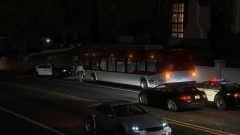
The Los Santos County Sheriff's have been called in to investigate, and the road is anticipated to be closed for numerous hours while an investigation is conducted. Police are not able to give any specifics, but, do say that road conditions and alcohol are believed to be a major factor in this collision.
(For those of you who have followed me before, this picture is a rendition of my featured gallery photo from my old GTA IV collection:
)
Recommended Comments
Join the conversation
You can post now and register later. If you have an account, sign in now to post with your account.