






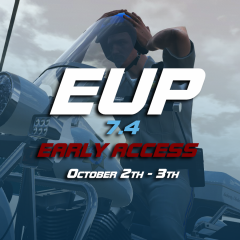




Early acess

By Alex_Ashfold
- 3,169 views
- View Alex_Ashfold's images
On the 4th october Rockstar games will release another Update/DLC resulting in game/mods and we'll all have to WAIT for ScripthookV and Ragehook to get updated.
The next official version of EUP as many things to offer, thus we won't be able to release anything before that patch, i am offering you an early version access, that will be released in the evening of the 2th October or the 3th.
This version will have basic new changes for models and textures. Edited presetoutfits.ini to work with the new file structure, there is No menu features changes or additions, accesories menu will be for the most part broken. The wardrobe will work as usual.
But, at least you'll have something to play with while waiting.
Thanks,
EUP Team
Recommended Comments
Join the conversation
You can post now and register later. If you have an account, sign in now to post with your account.