


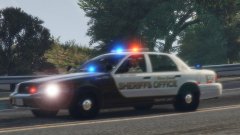
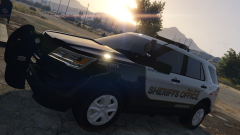
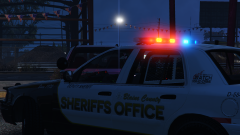
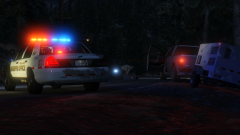
Make no mistake

By DukSezQuak
- 458 views
- View DukSezQuak's images
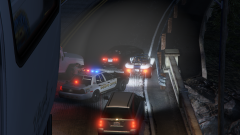
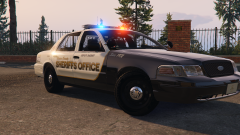
"One of the design requests from the BCSO was easy identifying markings from above. Termination Media and Design Studios wants there to be no mistake when LSPD Air 1 or 2 is following one of the many pursuits that BCSO engages in that there are BCSO units pursuing." -Mr. Quak, TMDS.
"We, unfortunately, end up in more traffic pursuits than most agencies across the state. Often times, due to the size of our agency, we have to contact the Los Santos Police Department for assistance. When LSPD Air Support is following us, they weren't sure who was who when following the pursuit due to the similar designs of vehicles. We need to be seen and known by the air units, therefore one thing we stressed was the overhead markings." said Sergeant T. Steinbach of the BCSO.
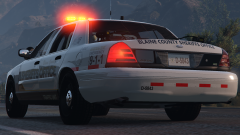
"By adding a clear "SO" marking on the trunk, and a "BCSO" marking on the roof, from whatever angle the aircraft is following the pursuit, there will be no mistake that the vehicle is a BCSO patrol vehicle."
Recommended Comments
Join the conversation
You can post now and register later. If you have an account, sign in now to post with your account.