


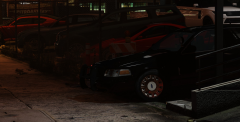
S.A.H.P. A.D.D. (Rear)

By CG Blaze
- 1,293 views
- View CG Blaze's images
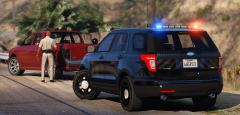
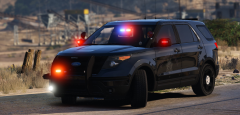
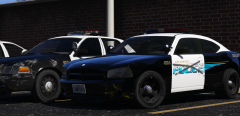
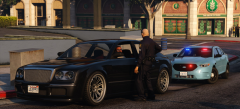
Watch out, Los Santos commuters! As part of their Aggressive Driver Deterrence program (or ADD for short), the SAHP has been experimenting with new "stealth" graphics on several patrol cars throughout the greater Los Santos area. The cars appear unmarked, but a closer examination reveals a frosted version of the familiar SAHP seal. The SAHP hopes that the new, low profile cars will go unnoticed in traffic, allowing troopers to sneak up and target aggressive drivers in the act. The SAHP tells us that three "stealth" cars are already on the road, and as many as 15 may be deployed system-wide by the early fall.
So, I stealth'd up (and SA'd) windows446's CHP skins, and added a couple frills before re-applying it to thehurk's CHP slicktop. I think I'm pretty satisfied with the results. What do you think?
Recommended Comments
Join the conversation
You can post now and register later. If you have an account, sign in now to post with your account.